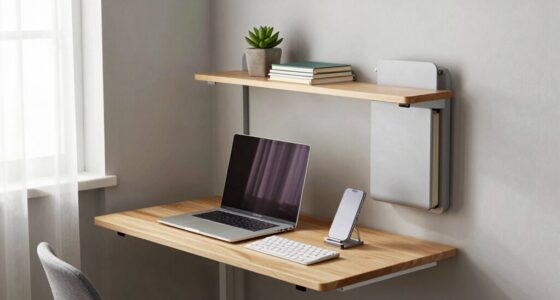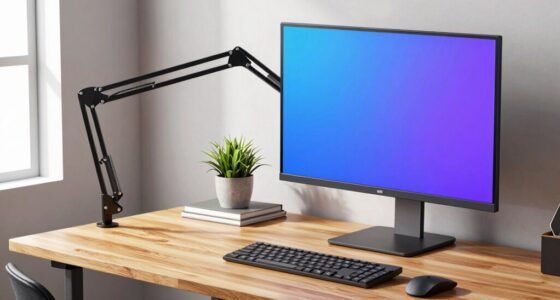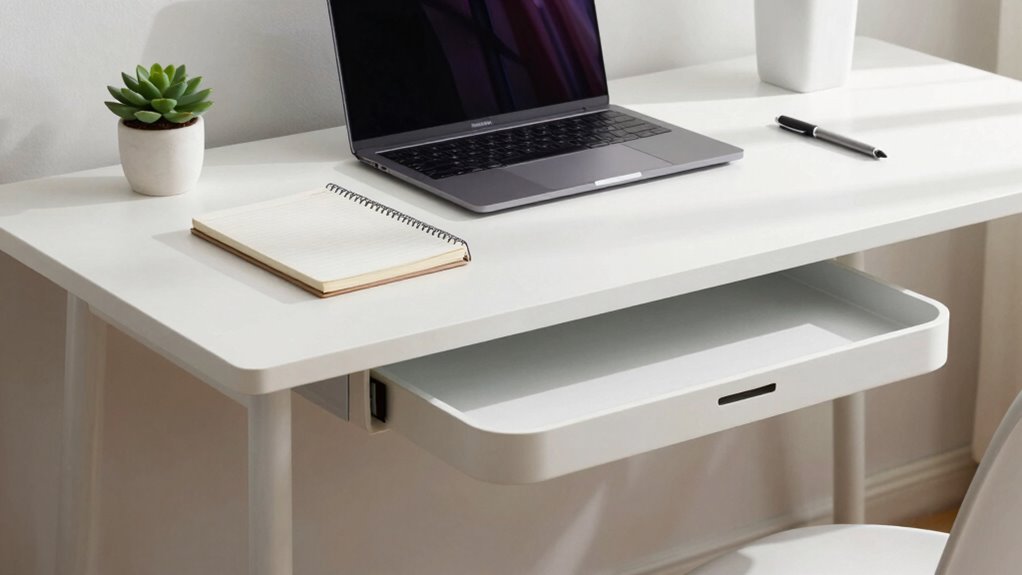

To create a desk setup that packs away cleanly, choose furniture that’s foldable or disassemblable, making it easy to clear space. Organize cables with clips and sleeves to prevent tangles, and use storage solutions like stackable trays and label containers for quick access. Keep only essential items on your desk and tidy up at the end of each day. Keep exploring tips to maintain a clutter-free, efficient workspace that’s simple to pack away entirely.

Get home appliances delivered free with Prime
- Fast, free delivery on millions of items
- Prime Video, Amazon Music and more included
- Member-only deals all year
Key Takeaways
- Choose disassemblable or foldable furniture for quick, easy packing at the end of the day.
- Implement cable management solutions like clips and sleeves to keep cords organized and tangle-free.
- Use compact, portable accessories and labeled containers to minimize clutter and facilitate quick storage.
- Maintain a minimalist setup by keeping only essentials and regularly decluttering to prevent buildup.
- Establish a routine of end-of-day cleanup, including packing away accessories and returning items to designated spots.
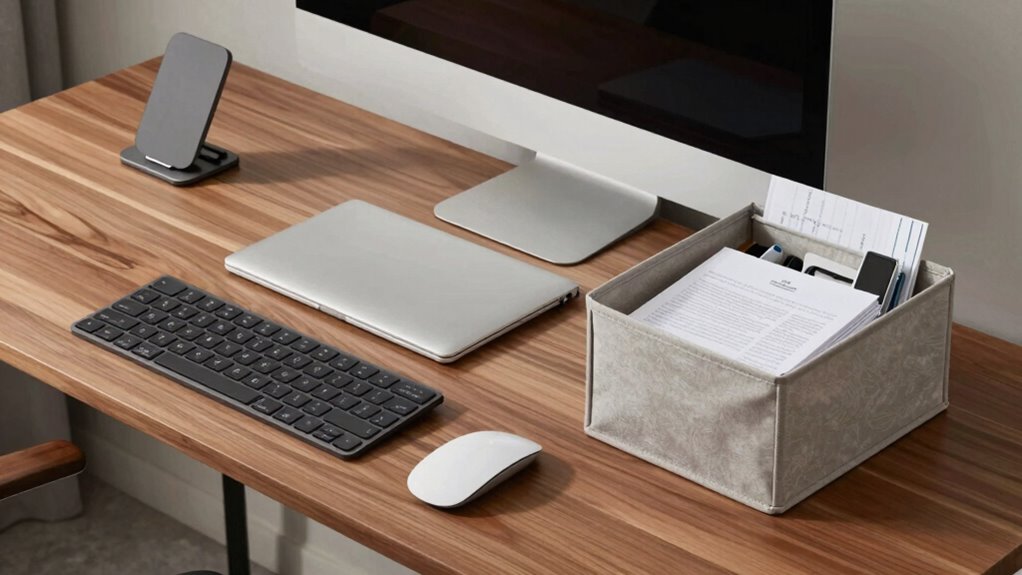
A cluttered desk can quickly turn your workspace into a source of stress, making it harder to focus and be productive. To keep things tidy, you need a setup that’s easy to pack away at the end of each day. Start by choosing the right furniture that can be easily disassembled or folded, allowing you to clear the space quickly. When selecting your desk, look for models with built-in cable management features or invest in accessories like cable clips and sleeves. These help hide and organize cords, preventing them from tangling or spilling onto the floor. With cable management, you won’t waste time untangling wires or searching for the right charger when you’re ready to pack up.
A tidy desk with cable management keeps your workspace organized and stress-free.
Next, incorporate ergonomic accessories that can be moved or stored away with minimal effort. An adjustable monitor stand, for example, can be collapsed or stowed in a drawer. A compact keyboard and mouse set save space and are easy to tuck away when not in use. Consider using foldable or portable accessories that serve your needs without cluttering your workspace. This way, you can quickly clear your desk without sacrificing comfort or functionality.
Organization is key. Use stackable trays, drawer dividers, and small storage containers to keep supplies neatly sorted. When you’re finished for the day, simply gather these containers and tuck them into drawers or shelves. Label each container so you can quickly find what you need later, saving you time during setup the next day. Clear desktop surfaces mean you can pack everything away faster and reduce visual clutter that might otherwise distract you. Additionally, implementing effective content organization strategies can streamline your workflow and enhance overall productivity. Incorporating efficient storage solutions can further optimize your workspace and minimize clutter.
Another tip is to adopt a minimalist mindset. Only keep essential items on your desk during the workday. When you’re done, put everything back in its designated spot. This habit ensures your workspace stays clean and ready for the next use. Don’t forget to regularly review your setup and remove unnecessary items, which helps prevent accumulation of clutter.
Finally, make it a routine to tidy up at the end of each work session. Using cable management solutions, ergonomic accessories, and smart storage options ensures your desk can be cleared in minutes. This discipline not only keeps your workspace clean but also sets a productive tone for each day. With these strategies, you’ll create a desk setup that’s both functional and easy to pack away, making your workspace a place you enjoy and return to each day.
foldable desk with cable management
As an affiliate, we earn on qualifying purchases.
As an affiliate, we earn on qualifying purchases.
Frequently Asked Questions
What Are the Best Materials for a Foldable Desk?
You should choose lightweight materials like aluminum or high-quality plastics for your foldable desk. These materials work well with various folding mechanisms because they’re durable yet easy to handle. Aluminum offers strength without extra weight, making it perfect for portability. Plastics, especially reinforced or composite types, are also great for a compact, easy-to-transport desk. Make certain the materials you select support smooth folding and unfolding to keep your setup practical.
How Do I Prevent Accessories From Getting Lost?
Imagine losing a crucial pen or your favorite USB—devastating, right? To prevent accessories from vanishing, prioritize cable organization and dedicated accessory storage. Use small compartments, zip pouches, or drawer dividers to keep everything in its place. Label your storage spaces so you know exactly where each item belongs. Regularly tidy up your setup, and you’ll never have to face the horror of lost accessories again—your desk stays neat and your essentials always within reach.
Can I Customize Storage Solutions for Different Workspace Sizes?
Yes, you can definitely customize storage solutions for different workspace sizes. Use modular shelving to adapt to various spaces, and opt for adjustable compartments that let you organize accessories efficiently. These features help you maximize storage, no matter your desk’s dimensions. By customizing your storage with modular and adjustable options, you guarantee everything stays organized and easily accessible, even as your workspace changes or grows.
What Are Quick Tips for Maintaining a Clutter-Free Desk?
To keep your desk clutter-free, focus on decor organization by using trays and containers for small items. Regularly tidy up and put things back in their designated spots. Practice good cable management by using clips or sleeves to keep cords neat and out of sight. Set a weekly reminder to declutter, and only keep essentials on your desk. These habits make maintaining a clean, organized workspace quick and easy.
How Do I Incorporate Ergonomic Features Into a Compact Setup?
To incorporate ergonomic features into a compact setup, choose an ergonomic chair that offers adjustable height and lumbar support for comfort. Pair it with an adjustable monitor stand to customize eye level, reducing strain. Keep your workspace organized to maximize space, and opt for multi-functional accessories. This way, you guarantee your small setup promotes good posture while maintaining a clean, efficient environment, perfect for productivity and comfort.
As an affiliate, we earn on qualifying purchases.
Conclusion
With these tips, your desk setup stays tidy and functional, no matter how busy your day gets. Remember, a well-organized space boosts productivity and keeps stress at bay—think of it as your own personal Batcave, ready for action at a moment’s notice. So, embrace these practices, stay disciplined, and enjoy the satisfaction of a clean, efficient workspace that’s always ready for your next big adventure. And don’t forget—your desk is your command center!
As an affiliate, we earn on qualifying purchases.
stackable storage trays for desk
As an affiliate, we earn on qualifying purchases.
As an affiliate, we earn on qualifying purchases.
Cold & flu season Picks
humidifiers
As an affiliate, we earn on qualifying purchases.