If your Dyson V15 Detect™ Origin Cordless Vacuum is pulsing on and off during use, it can be frustrating and hinder your cleaning. This issue often indicates a problem with the filters, battery, or internal components that need attention. Fortunately, most causes are simple to diagnose and fix with some basic steps.

Get home appliances delivered free with Prime
- Fast, free delivery on millions of items
- Prime Video, Amazon Music and more included
- Member-only deals all year
In this guide, you’ll find clear, practical instructions to troubleshoot and resolve the pulsing problem safely, ensuring your vacuum works efficiently again for whole-home cleaning.
Key Takeaways
| Check Filters | Dirty or clogged filters can cause pulsing; clean or replace them. |
| Inspect Battery & Power Mode | Battery issues or incorrect power mode settings may lead to pulsing. |
| Examine Internal Blockages | Obstructions inside the vacuum can disrupt airflow and cause pulsing. |
| Ensure Proper Attachments | Incorrectly fitted or incompatible attachments can trigger pulsing. |
| Perform a Reset | Resetting the vacuum can sometimes resolve electronic glitches. |
Check and Clean the Filters
- Turn off and unplug your Dyson V15 Detect™ vacuum. Remove the pre-filters located at the cyclone or dustbin area. These filters are usually easy to access by twisting or pulling them out.
- Rinse the filters thoroughly under cold water. Use your fingers or a soft brush to remove stubborn dust or debris. Avoid using detergents or soaking for extended periods.
- Allow the filters to air dry completely, ideally for at least 24 hours, before reinstalling. Well-dried filters ensure optimal suction and prevent airflow issues that cause pulsing.
- Reassemble the vacuum and test it. If pulsing persists, proceed to the next step.
Inspect the Battery and Power Settings
Ensure your vacuum’s battery is adequately charged. A low or faulty battery can cause intermittent power delivery, leading to pulsing. Connect the vacuum to the charger and let it fully charge for at least 3 hours.
Check the power mode displayed on the LCD screen. The vacuum intelligently adapts power based on debris detection, but if settings are incorrect or the mode is malfunctioning, it could cause pulsing. Switch between modes to see if stability improves. If issues continue, consider replacing the battery or contacting Dyson support.
Examine for Internal Blockages or Obstructions
Blockages in the wand, cleaner head, or internal passages can disrupt airflow, causing the vacuum to pulse. Detach the cleaner head and check for tangled hair, debris, or obstructions. Use a long, flexible tool or the crevice attachment to clear narrow passages.
Inspect the wand and hose for any clogs. Remove and rinse if necessary, ensuring no debris remains inside. Proper airflow is essential for consistent suction and operation.
Verify Attachments and Fitment
Ensure all attachments, especially the cleaner heads and crevice tools, are correctly fitted and compatible with your model. Improper attachment or incompatible accessories can trigger sensors that cause pulsing.
Remove any non-compatible or loose attachments, then reattach securely. If you use a third-party accessory, verify its compatibility with the Dyson V15 Detect™ Origin.
Reset and Test the Vacuum
- Turn off the vacuum and disconnect it from the charger.
- Press and hold the power button for about 10 seconds to reset the electronic system.
- Reconnect to the charger and turn it on to see if the pulsing issue is resolved.
- If pulsing persists, consider performing a full system reset or contacting Dyson support for advanced troubleshooting.
The Products in This Guide

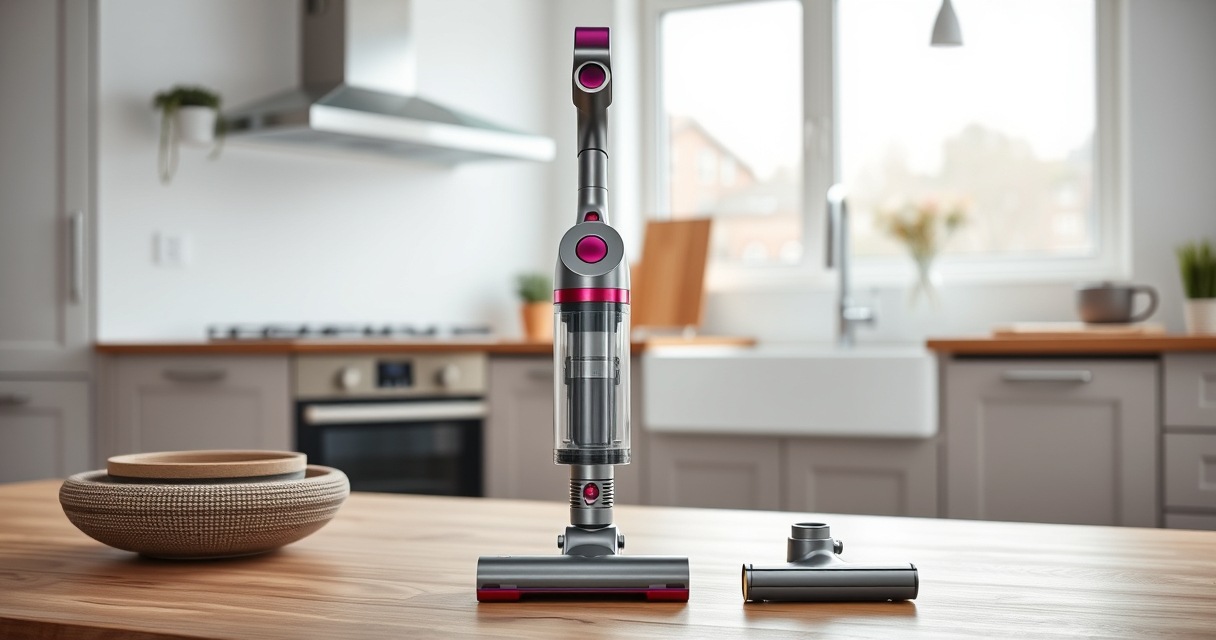
Dyson V15 Detect™ Origin Cordless Vacuum
- ✔ Weight: 2.5 kg
- ✔ Charge Time: 3.5 hours
- ✔ Filter Replacement Interval: Every 2-3 months

LANMU Crevice Tool Vacuum Attachments Compatible
- ✔ Nozzle Width: 0.75 inches
- ✔ Flexibility: High
- ✔ Ease of Use: Simple attachment
Dyson V15 Detect™ Origin Cordless Vacuum
The Dyson V15 Detect™ Origin Cordless Vacuum is a high-performance cleaner with advanced sensors and multiple cleaning modes. While pulsing issues can occur, following proper troubleshooting steps can help restore its optimal performance.
Pros:
- Powerful suction with 100% more power
- Intelligent debris detection and adaptive power
- Long battery life of up to 60 minutes
- LCD screen for real-time updates
Cons:
- Requires regular filter cleaning
- Can be sensitive to airflow blockages
- Battery replacement may be needed over time
Best for: Deep cleaning of all floor types and pet hair removal
Not ideal for: For those who prefer minimal maintenance or infrequent use
Bottom line: Regular maintenance and troubleshooting can keep your Dyson V15 Detect running smoothly.
LANMU Crevice Tool Vacuum Attachments Compatible
The LANMU Crevice Tool Vacuum Attachments are perfect for reaching tight spots and cleaning hard-to-access areas. They help prevent blockages and improve overall vacuum performance.
Pros:
- Narrow nozzle for tight spaces
- Compatible with multiple Dyson models
- Flexible and easy to maneuver
- Effective for detailed cleaning
Cons:
- Only compatible with certain Dyson models
- Plastic construction may wear over time
- Requires proper attachment for best results
Best for: Cleaning corners, car interiors, and narrow gaps
Not ideal for: For general cleaning or larger debris
Bottom line: A versatile accessory to enhance your Dyson cleaning experience.
Frequently Asked Questions
Why does my Dyson vacuum pulse or turn off unexpectedly?
This often indicates airflow blockages, dirty filters, or battery issues. Following proper troubleshooting steps can resolve the problem.
How often should I clean or replace the filters?
It’s recommended to clean the filters every 1-3 months and replace them every 2-3 months for optimal suction and performance.
Can I reset my Dyson vacuum to fix pulsing?
Yes, turn off the vacuum, press and hold the power button for about 10 seconds, then turn it back on. This can clear minor electronic glitches.
What should I do if cleaning the filters doesn’t fix the issue?
Check for blockages, ensure attachments are properly fitted, and verify the battery charge. If problems persist, contact Dyson support.
Is it safe to rinse the filters with water?
Yes, but ensure the filters are completely dry before reinstalling to prevent damage and airflow problems.
Keep Your Dyson V15 Detect Running Like New
Regular maintenance and troubleshooting are key to preventing pulsing issues and ensuring your Dyson cordless vacuum performs at its best. By following these simple steps, you can resolve most common problems and enjoy deep, efficient cleaning.
If problems persist despite troubleshooting, reaching out to Dyson customer support is recommended. A well-maintained vacuum will serve you reliably for years to come, making your cleaning routines easier and more effective.
Affiliate disclosure: As an Amazon Associate we earn from qualifying purchases. Prices and availability are accurate as of the time of publishing.
Fall yard work Picks
leaf blowers
As an affiliate, we earn on qualifying purchases.