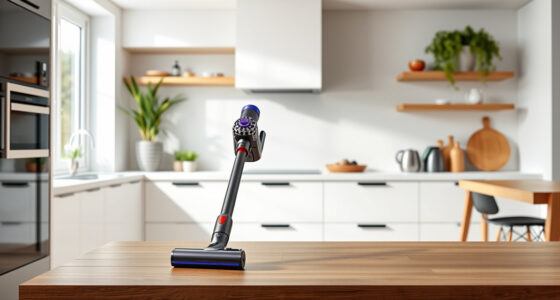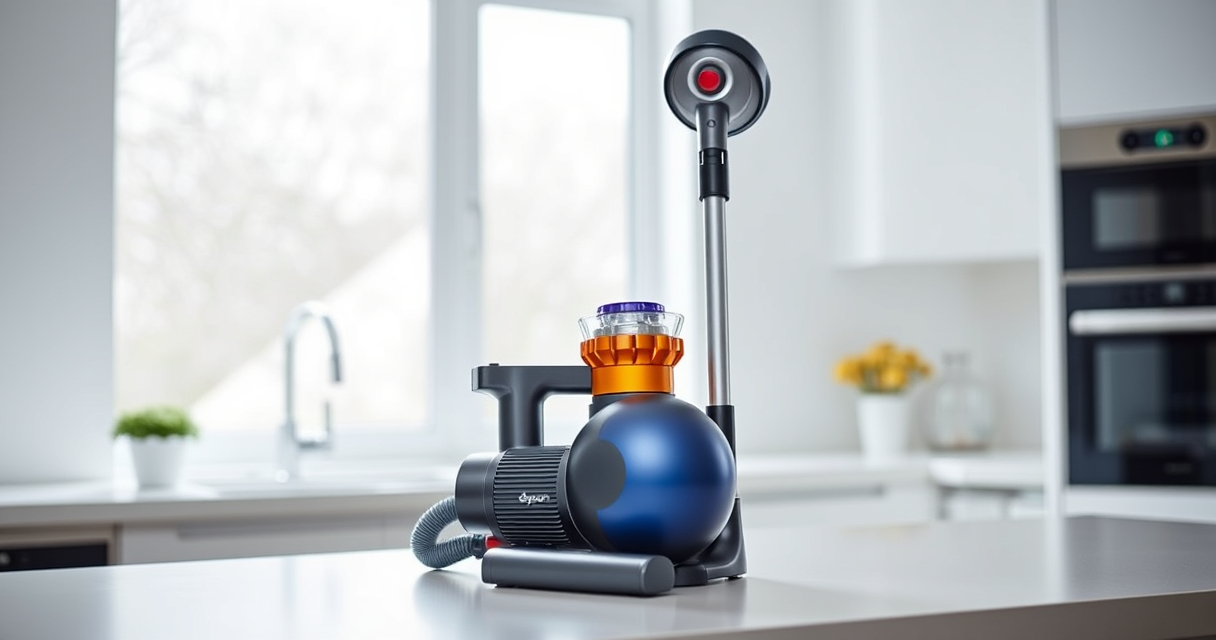
If your Dyson V15 Detect™ Origin Cordless Vacuum isn’t providing the suction power you expect, it could be due to clogs, dirty filters, or other common issues. Proper troubleshooting can restore its performance and keep your cleaning routine on track.
Open a free Amazon Business account
Business pricing, bulk buying and tax-exempt orders.
Create a free accountAs an affiliate, we earn on qualifying purchases.
Follow these clear, step-by-step instructions to identify and fix the problem safely and effectively.
Key Takeaways
| Check for blockages | Clogs in the wand or cleaner head reduce suction. |
| Clean filters | Dirty filters hinder airflow and cleaning power. |
| Inspect the bin | Full dustbin can cause suction loss. |
| Examine the brush bar | Hair or debris tangled around the brush reduces efficiency. |
| Ensure proper assembly | Incorrectly assembled parts can cause suction issues. |
Step 1: Power Off and Unplug
Always turn off and unplug your Dyson vacuum before performing any maintenance or troubleshooting to ensure safety.
Step 2: Check for Blockages
- Detach the wand and cleaner head from the main body.
- Inspect the wand, cleaner head, and hose for visible blockages or debris.
- Remove any obstructions carefully to restore airflow.
Step 3: Clean or Replace Filters
Dirty filters can severely impact suction. Remove the pre-filters and main filters, rinse them with water, and let them air dry completely before reinstalling. Consider replacing filters if they are worn out or excessive dirt persists.
Step 4: Empty the Dustbin
Ensure the dustbin is emptied regularly. A full dustbin can block airflow and reduce suction. Remove the bin, empty it into the trash, and reattach securely.
Step 5: Check the Brush Bar
Inspect the Digital Motorbar cleaner head for tangled hair or debris. Remove any obstructions and clear the brush roll to improve cleaning performance.
Additional Tips & Warnings
- Always handle filters with dry hands and avoid using harsh chemicals.
- Ensure all parts are securely reassembled before turning the vacuum back on.
- Refer to your user manual for specific parts and safety instructions.
The Products in This Guide

Dyson V15 Detect™ Origin Cordless Vacuum
- ✔ Weight: 6.8 lbs
- ✔ Filter type: Pre-filter, post-filter
- ✔ Battery life: Up to 60 minutes

LANMU Crevice Tool Vacuum Attachments Compatible
- ✔ Nozzle width: 1.2 inches
- ✔ Flexible: Yes
- ✔ Material: ABS plastic
Dyson V15 Detect™ Origin Cordless Vacuum
The Dyson V15 Detect™ Origin offers powerful suction, intelligent debris detection, and a variety of attachments for comprehensive home cleaning. Regular maintenance is key to its optimal performance.
Pros:
- Powerful suction for deep cleaning
- Intelligent debris detection
- Long battery life (60 mins)
- Versatile attachments
Cons:
- Can be heavy for some users
- Filters require regular cleaning
- Price may be high for budget buyers
Best for: Whole-home cleaning, pet hair, hard floors
Not ideal for: Light cleaning tasks or small apartments
Bottom line: A powerful, intelligent vacuum ideal for comprehensive home cleaning.
LANMU Crevice Tool Vacuum Attachments Compatible
The LANMU Crevice Tool Vacuum Attachments are compatible with Dyson V15 and other models, making it easier to clean those tricky corners and hard-to-reach spots. Regular use of such attachments can help prevent blockages and maintain suction.
Pros:
- Narrow nozzle for tight spaces
- Compatible with multiple Dyson models
- Flexible and easy to maneuver
- Helps prevent clogs
Cons:
- Not a standalone solution
- Requires manual attachment swap
- Limited to crevice cleaning
Best for: Cleaning corners, car interiors, between furniture
Not ideal for: Large debris or deep cleaning tasks
Bottom line: Ideal for precise cleaning in tight spots and preventing clogs.
Frequently Asked Questions
Why is my Dyson vacuum losing suction even after cleaning filters?
Other common causes include blockages in the wand or hose, a full dustbin, or tangled debris on the brush bar. Follow the troubleshooting steps to identify and fix the issue.
How often should I replace the filters in my Dyson?
Filters should be cleaned regularly and replaced approximately every 2-3 months, depending on usage, to maintain optimal suction.
Can I wash the filters of my Dyson vacuum?
Yes, most filters are washable. Rinse them with water, let them air dry completely, and avoid using detergents or hot water to prevent damage.
What should I do if cleaning doesn’t restore suction?
If troubleshooting doesn’t improve suction, contact Dyson customer support or consider professional servicing to check for deeper issues.
Keep Your Dyson V15 Detect™ Running at Peak Power
Regular maintenance, including cleaning filters, checking for blockages, and clearing the brush bar, can significantly improve your vacuum’s suction and longevity. Following these troubleshooting steps will help you restore optimal performance and enjoy effortless cleaning every time.
Affiliate disclosure: As an Amazon Associate we earn from qualifying purchases. Prices and availability are accurate as of the time of publishing.
Fall Picks
fall essentials
As an affiliate, we earn on qualifying purchases.