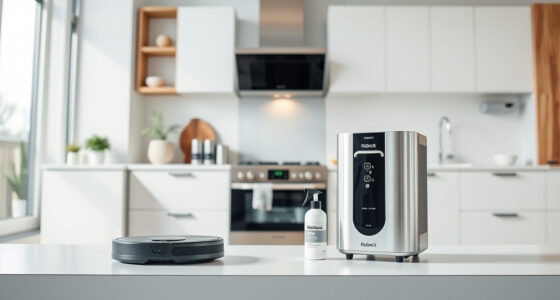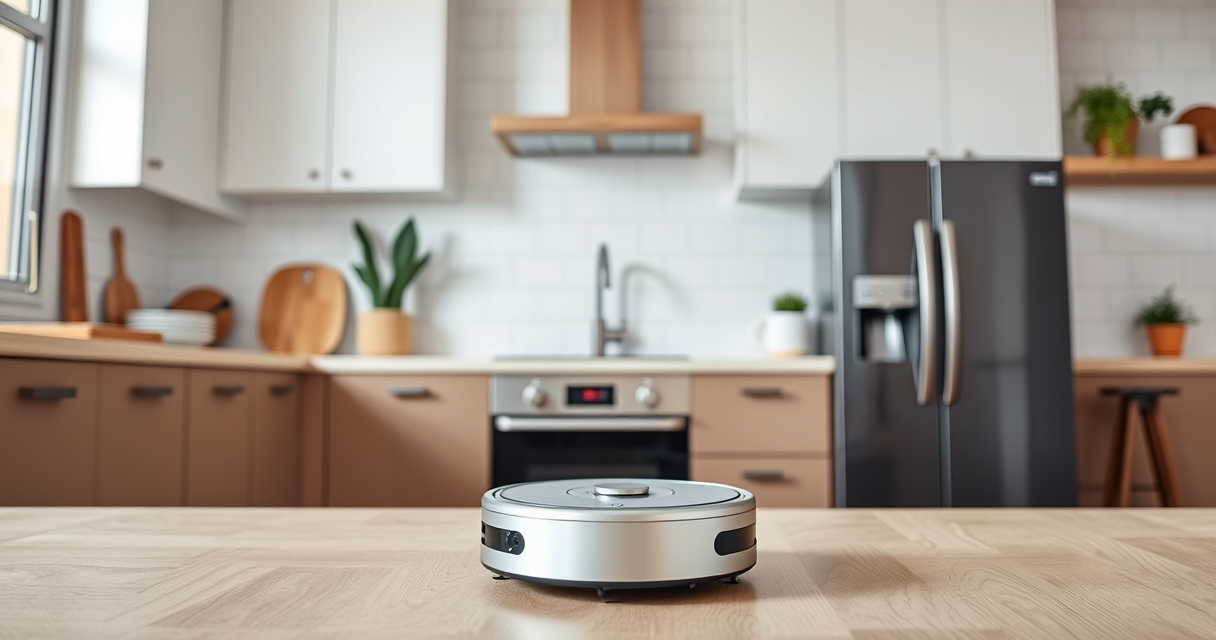
Getting your new Roborock Q7 M5+ robot vacuum ready for use is straightforward with the right preparation. This guide provides clear, step-by-step instructions to ensure your device is set up correctly, safely, and optimized for the best cleaning performance. Whether you’re a first-time robot vacuum user or upgrading from an older model, these steps will help you start enjoying a cleaner home with minimal hassle.

Get home appliances delivered free with Prime
- Fast, free delivery on millions of items
- Prime Video, Amazon Music and more included
- Member-only deals all year
From unboxing to connecting the app and customizing your cleaning preferences, we cover everything you need to know for a smooth setup process.
Key Takeaways
| Ease of setup | Simple unboxing and initial setup process. |
| App control | Connects easily to the Roborock app for customization. |
| Maintenance tips | Includes guidance on filter replacement and cleaning. |
| Safety reminders | Properly handle the device and avoid hazards. |
Unboxing and Initial Inspection
- Carefully open the package and remove the Roborock Q7 M5+ vacuum and mop. Check that all components are present, including the main unit, charging dock, power adapter, and accessories if included.
- Inspect the device for any visible damages or missing parts. Ensure the dust bag and filter are installed correctly if pre-installed. Refer to the product manual for detailed parts list.
- Place the charging dock in an open, flat area against a wall, ensuring there’s at least 1 meter of clearance on each side and 2 meters in front for smooth docking.
Charging the Device
Connect the included power adapter to the charging dock and plug it into a power outlet. Place the Roborock Q7 M5+ onto the dock, aligning the charging contacts. The device should automatically start charging.
It’s recommended to let the vacuum charge fully before the first use, which typically takes around 3-4 hours. A fully charged battery ensures optimal cleaning coverage and helps calibrate the device’s sensors.
Downloading and Connecting via the App
- Download the Roborock app from your app store (available for iOS and Android). Launch the app and create a user account if you haven’t already.
- Follow the on-screen instructions to connect your Roborock Q7 M5+ to your Wi-Fi network. Make sure your phone is connected to a 2.4GHz network, as some devices do not support 5GHz.
- Power on the vacuum, then select ‘Add Device’ in the app and follow prompts to pair the robot. The app will guide you through connecting to Wi-Fi and completing the setup.
Once connected, you can customize cleaning zones, schedules, and modes directly from the app for a tailored cleaning experience.
Initial Cleaning and Setup Customization
Before starting your first clean, check that the dust bag is properly installed in the RockDock Plus, which offers up to 7-9 weeks of self-emptying. Ensure the filters are clean and replaced if necessary.
Use the app to select cleaning modes—such as vacuum only, mop only, or combined cleaning. Adjust suction power (up to 10,000Pa for pet hair and debris) based on your flooring type. The device’s PreciSense LiDAR navigation allows precise mapping, so you can define no-go zones or specific rooms to clean.
Press ‘Start’ in the app, or press the physical button on the vacuum for manual start. Observe the initial cleaning to ensure the robot navigates smoothly and avoids obstacles.
Routine Maintenance and Troubleshooting
Regularly check the dust bag in the RockDock Plus and empty it when full. Replace or wash the filters (such as the optional washable HEPA filter) every 1-3 months for optimal performance.
Clean the main brush, side brushes, and sensors weekly to prevent tangles and maintain navigation accuracy. Use a soft cloth and avoid harsh chemicals.
If your vacuum encounters issues, consult the app’s troubleshooting guide or restart the device. Ensure Wi-Fi connectivity remains stable for uninterrupted operation. For persistent problems, resetting the device or updating firmware via the app can resolve many common issues.
Safety Tips and Precautions
- Keep the charging dock in a clear, stable location away from water and high traffic zones.
- Avoid placing the robot in areas with loose cords or small objects that could get caught.
- Do not attempt to disassemble or repair the device yourself, as this may void the warranty or cause damage.
- Keep the device away from stairs or ledges to prevent falls; use virtual boundaries or no-go zones in the app.
The Products in This Guide

roborock Q7 M5+ Robot Vacuum and Mop
- ✔ Model: Q7 M5+
- ✔ Dust Capacity: 2.7L
- ✔ Cleaning Modes: Vacuum & Mop

4 Pack Washable Filter
- ✔ Package: 4 Pack
- ✔ Compatible Models: Q7, Q7+, Q7 Max
- ✔ Filter Type: HEPA
roborock Q7 M5+ Robot Vacuum and Mop
The Roborock Q7 M5+ stands out with its powerful 10,000Pa suction, advanced PreciSense LiDAR navigation, and up to 7-9 weeks of self-emptying capacity. Its dual anti-tangle system makes it ideal for pet hair and carpeted homes, providing thorough and hassle-free cleaning.
Pros:
- Strong suction power for pet hair and debris
- Self-emptying dock reduces maintenance
- Precise navigation with LiDAR technology
- App control with customizable schedules
Cons:
- Higher price point compared to basic models
- Requires Wi-Fi setup for full functionality
- Self-emptying dock may be bulky in tight spaces
Best for: Pet owners and busy households seeking deep, consistent cleaning
Not ideal for: Homes without Wi-Fi or those preferring manual operation only
Bottom line: A powerful, intelligent robot vacuum ideal for pet owners and deep cleaning needs.
4 Pack Washable Filter
This washable HEPA filter ensures your Roborock Q7 M5+ maintains top filtration performance, particularly valuable for allergy sufferers or homes with pets. Easy to install and clean, it enhances your vacuum’s longevity.
Pros:
- High filtration efficiency
- Washable and reusable
- Easy to install
- Compatible with multiple models
Cons:
- Requires regular washing
- Not OEM, but compatible
Best for: Improving air quality and prolonging device lifespan
Not ideal for: For users who prefer disposable filters only
Bottom line: A reliable washable filter for maintaining a clean and healthy home environment.
Frequently Asked Questions
How often should I empty the self-emptying dock?
The RockDock Plus is designed to hold debris for up to 7-9 weeks, depending on usage. Check the dock periodically and empty when full to maintain optimal performance.
Can I use the Roborock Q7 M5+ on all floor types?
Yes, the device is suitable for hard floors like tiles and hardwood, as well as carpets. Adjust the suction power in the app based on the surface for best results.
Is Wi-Fi required for operation?
Wi-Fi is necessary to connect the vacuum to the app for remote control, scheduling, and customization. Manual operation is also possible via the physical button.
How do I maintain the brushes and filters?
Clean the main brush and side brushes weekly to prevent tangles. Replace or wash filters every 1-3 months for maximum efficiency.
What should I do if the device gets stuck or doesn’t dock properly?
Ensure the charging dock is in a clear, stable location. Remove any obstacles and restart the device. Use the app to reset the connection if needed.
Start Your Cleaning Journey with Confidence
Setting up your Roborock Q7 M5+ is a straightforward process that, when done correctly, ensures a powerful and reliable cleaning experience. From initial unboxing to app integration and routine maintenance, following these steps will help you maximize your robot vacuum’s lifespan and efficiency. Once set up, you’ll enjoy a cleaner, healthier home with minimal effort, especially with features like self-emptying and smart navigation at your fingertips.
Embrace the convenience of automated cleaning and customize your routines for a truly hands-free home care solution.
Affiliate disclosure: As an Amazon Associate we earn from qualifying purchases. Prices and availability are accurate as of the time of publishing.
Halloween Picks
halloween
As an affiliate, we earn on qualifying purchases.