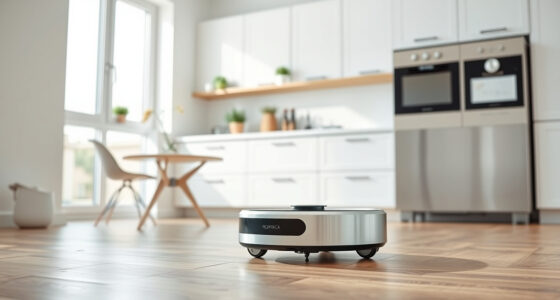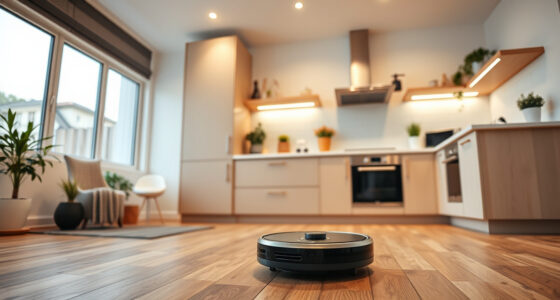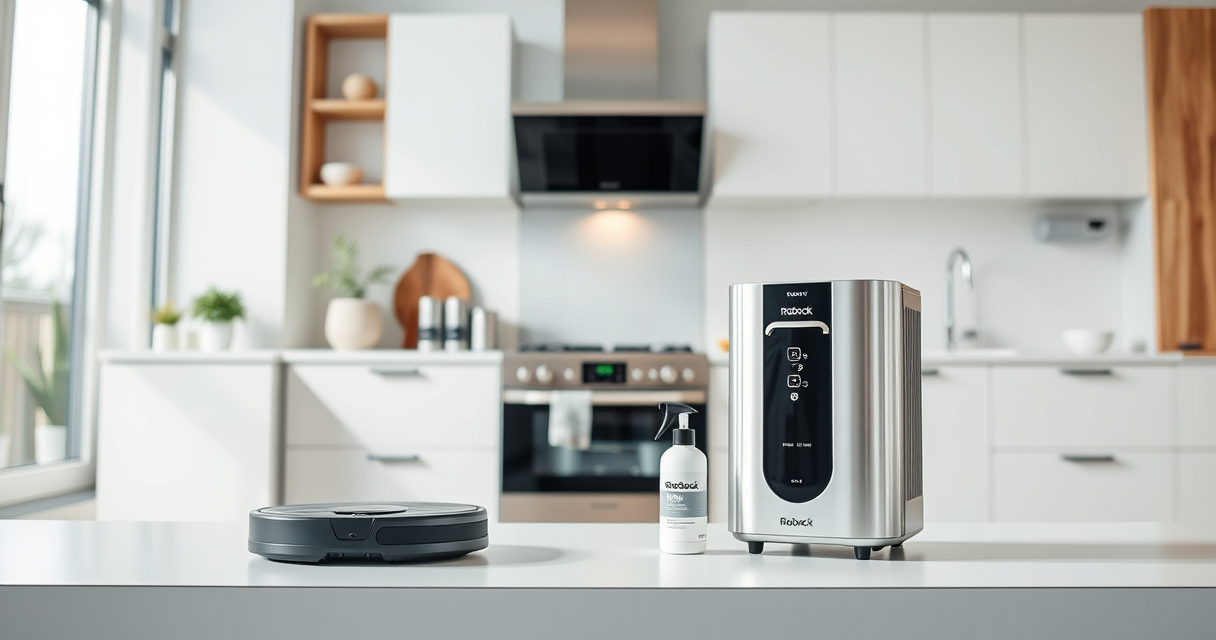
If your Roborock Q10 S5+ is failing to mop despite setting it up correctly, you’re not alone. Many users experience issues where the mopping function stops working or doesn’t activate. Fortunately, most problems are fixable with some simple troubleshooting steps. In this guide, we’ll walk you through the most common causes and solutions to restore your robot’s mopping capability, ensuring your floors stay spotless.

Get home appliances delivered free with Prime
- Fast, free delivery on millions of items
- Prime Video, Amazon Music and more included
- Member-only deals all year
Before diving into the troubleshooting, make sure your robot is fully charged, the water tank is filled, and the mop cloth is properly installed. These basic checks can save time and help identify the root of the issue quickly.
Key Takeaways
| Check water tank and mop cloth | Ensure water tank is filled and mop cloth is correctly attached. |
| Update firmware | Make sure your Roborock firmware is up-to-date for optimal function. |
| Inspect mopping system components | Look for blockages or debris in the mopping system. |
| Reset the device | Perform a reset if the problem persists after troubleshooting. |
Verify Water Tank and Mop Cloth Installation
- Ensure the water tank is properly seated in the robot. Remove it and check if it’s filled with clean water. If empty, fill it up to the recommended level.
- Inspect the microfiber mop cloth to confirm it’s installed correctly, flat against the floor, and securely attached. A loose or incorrectly positioned cloth can prevent mopping from activating.
- Check for any debris or hair wrapped around the mop cloth or in the mop area, which could hinder contact or movement.
Update Firmware and App Settings
Outdated firmware can cause malfunctioning of features, including mopping. Open the Roborock app and verify if there’s a firmware update available. Install any updates and restart the robot.
Double-check the cleaning settings in the app to ensure the mopping mode is enabled and scheduled correctly. Sometimes, selecting only vacuum mode disables the mopping function.
Inspect and Clean Mopping Components
- Remove the mop cloth and check for clogs or blockages in the water outlet or spray nozzle, if your model has these features.
- Clean the microfiber mop pad with warm water and mild detergent, then allow it to dry completely before reattaching.
- Inspect the water tank’s inlet for any debris or sediment that could impede water flow. Clear out any obstructions.
Check for Obstructions and Debris
Occasionally, debris or tangled hair can obstruct the mopping system or the wheels responsible for the mop’s movement. Remove the robot’s side brushes and main brush to check for hair or debris entanglement.
Ensure the mopping area is free of large obstacles or sticky residues that could prevent proper contact or movement.
Reset and Test the Device
- Perform a soft reset by turning the robot off, waiting for 10 seconds, then turning it back on.
- If issues persist, consider performing a factory reset via the app or physical reset button (if available). Follow the user manual instructions for your model.
- After reset, reconfigure your cleaning schedule and settings, then test the mopping function in a small, controlled area.
The Products in This Guide
roborock Q10 S5+ Robot Vacuum and Mop

The Roborock Q10 S5+ offers impressive cleaning power with 10,000 Pa suction and advanced mopping capabilities like Sonic Mopping and Auto Mop Lifting. Its self-emptying station ensures minimal maintenance, making it ideal for busy households and pet owners.
Pros:
- Powerful suction for deep cleaning
- Effective obstacle avoidance
- Self-emptying station for convenience
- Dual anti-tangle design reduces hair jams
Cons:
- Complex setup for new users
- Occasional connectivity issues
- Requires periodic filter and mop replacements
Best for: Pet owners and busy households seeking reliable, hands-free cleaning
Not ideal for: Users looking for a lightweight, budget-friendly robot
Bottom line: The Roborock Q10 S5+ combines powerful cleaning with smart features, but troubleshooting is often needed to ensure optimal mopping performance.
4 Pack Washable Filter

This 4-pack of washable HEPA filters ensures your Roborock maintains peak suction and filtration efficiency. Easy to install and reusable, they are a cost-effective way to prolong your vacuum’s lifespan.
Pros:
- Compatible with multiple Roborock models
- Washable and reusable, reducing waste
- Simple to install with a perfect fit
- Maintains high filtration standards
Cons:
- Not OEM, but performance matches original
- Requires periodic cleaning and replacement
- Only compatible with specific models
Best for: Users seeking cost-effective, high-performance filters
Not ideal for: Owners of incompatible models like S5 Max or S7
Bottom line: Replacing or upgrading your filters can significantly improve your Roborock’s mopping and cleaning performance.
Frequently Asked Questions
Why is my Roborock not mopping even though it’s set to do so?
Common causes include an improperly installed mop cloth, empty water tank, outdated firmware, or blockages in the mopping system. Follow the troubleshooting steps to identify and fix the issue.
How often should I replace or wash the mop cloth?
It’s best to wash microfiber mop pads after 1-3 uses or when visibly dirty to maintain effective cleaning and prevent odors.
Can I use a different mop cloth on my Roborock?
Yes, as long as it’s compatible with your model and made of microfiber. Use the recommended microfiber pads for the best results.
What should I do if updating the firmware doesn’t resolve the mopping issue?
Try resetting the robot, checking for obstructions, and verifying water tank and mop cloth installation. If problems persist, contact support.
Is it safe to use with pets and children?
Yes, Roborock models like the Q10 S5+ are designed with safety in mind, but always supervise during initial use or if using cleaning solutions.
Getting Your Roborock Mopping Like New
With a systematic approach, most issues preventing your Roborock Q10 S5+ from mopping can be resolved quickly. Regular maintenance, firmware updates, and proper installation are key to ensuring smooth operation. By following these troubleshooting steps, you’ll keep your floors sparkling and your robot performing at its best for years to come.
Affiliate disclosure: As an Amazon Associate we earn from qualifying purchases. Prices and availability are accurate as of the time of publishing.
NFL season / tailgating Picks
team gear
As an affiliate, we earn on qualifying purchases.