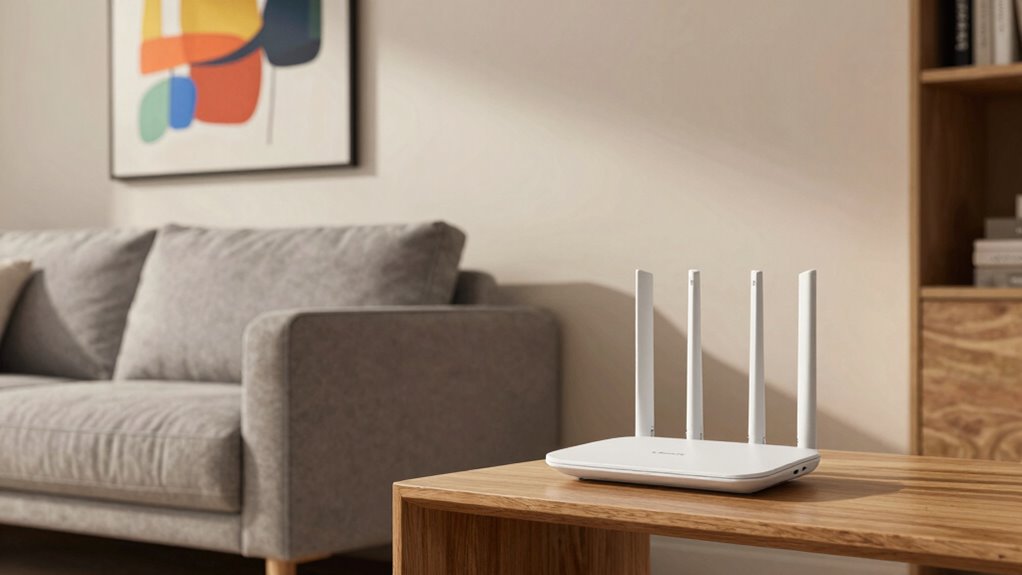

Mesh Wi-Fi can greatly improve your apartment living by providing seamless coverage across all rooms, reducing dead zones and frustrating buffering. It guarantees your smart devices stay connected and responsive, even when you move around. With advanced interference management, your connection stays stable despite walls or appliances. Setup is simple, and you can easily add nodes as needed. If you want to discover how it all works together, keep exploring for more insights.

Get home appliances delivered free with Prime
- Fast, free delivery on millions of items
- Prime Video, Amazon Music and more included
- Member-only deals all year
Key Takeaways
- Provides full coverage, eliminating Wi-Fi dead zones in all apartment rooms.
- Supports multiple smart devices simultaneously with reliable, lag-free connections.
- Manages interference from walls and appliances for stable, high-quality signals.
- Easy to set up and expand, adapting to changing apartment layouts effortlessly.
- Ensures seamless device roaming and enhanced security for a safer, more connected experience.
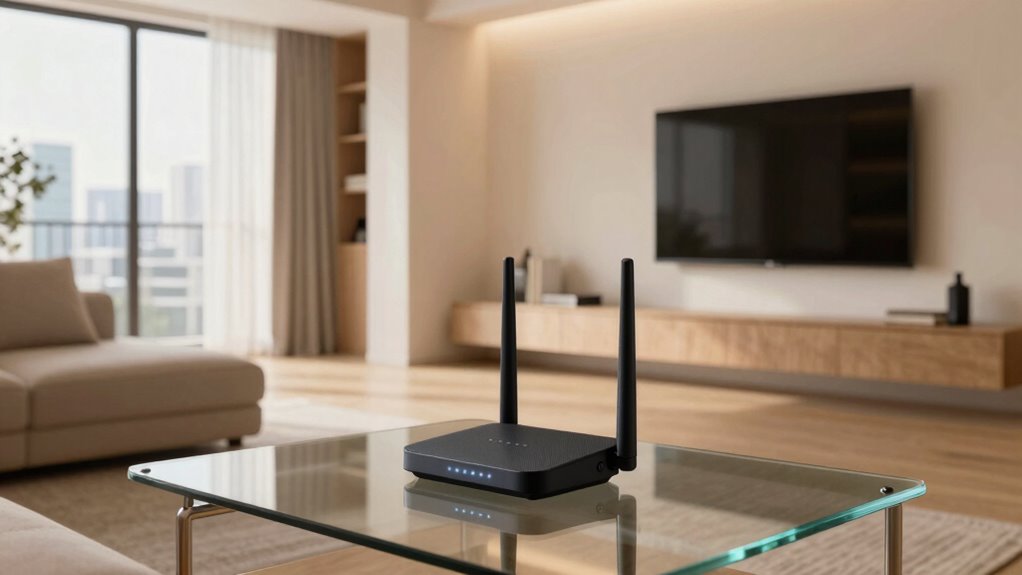
Living in an apartment often means dealing with Wi-Fi dead zones and slow speeds, especially as more devices connect simultaneously. Traditional routers struggle to cover small, multi-room spaces effectively, leading to frustrating buffering and dropped connections. That’s where mesh Wi-Fi systems shine. They create a seamless network that blankets your entire apartment, ensuring you stay connected no matter where you are. With multiple nodes working together, mesh systems distribute internet signals evenly, eliminating those annoying weak spots.
Mesh Wi-Fi systems eliminate dead zones by evenly distributing signals across your apartment for seamless connectivity.
One of the biggest advantages of mesh Wi-Fi is how well it supports smart home integration. If you have smart devices—like thermostats, security cameras, or voice assistants—a reliable, consistent connection is essential. Mesh networks handle multiple connections effortlessly, so your smart home gadgets stay responsive and synchronized. This setup reduces lag and prevents devices from disconnecting unexpectedly, making your smart home experience smoother and more dependable.
Another key benefit is signal interference mitigation. Apartments often have many sources of Wi-Fi interference—neighbors’ networks, thick walls, metal fixtures, and electronic appliances. These obstacles can weaken or disrupt Wi-Fi signals, causing slow speeds and dead zones. These challenges highlight the importance of using advanced Wi-Fi technology to maintain a strong and stable connection. Mesh Wi-Fi systems are designed to adapt to such challenges. They use intelligent routing algorithms that detect interference and reroute signals through the clearest paths. This dynamic adjustment keeps your internet stable, even in complex urban environments.
Setting up a mesh Wi-Fi system is straightforward. You install a main node connected to your modem, then place additional nodes throughout your apartment. These nodes communicate wirelessly, forming a unified network that’s easy to manage via a smartphone app. You can add more nodes as your needs grow or move them around to optimize coverage. This flexibility means your Wi-Fi can grow with you, accommodating new devices or changes in your living space.
In addition, mesh systems often feature seamless roaming, which is a game-changer. As you move around your apartment, your devices switch smoothly from one node to another without drops or interruptions. This is especially helpful if you work from home or stream videos while moving between rooms. Plus, many mesh systems include robust security features, protecting your network from external threats and unauthorized access.
Mesh Wi-Fi system for apartments
As an affiliate, we earn on qualifying purchases.
As an affiliate, we earn on qualifying purchases.
Frequently Asked Questions
Can Mesh Wi-Fi Reduce Electricity Consumption in Apartments?
Yes, mesh Wi-Fi can reduce your electricity consumption. By enabling smart home integration, you can connect energy-efficient devices to your mesh network, optimizing their operation. These devices often have features like scheduling or remote control, which help cut down unnecessary power usage. As a result, your apartment becomes more energy-efficient, saving you money and reducing your environmental impact while maintaining reliable, seamless internet coverage throughout your space.
Is Mesh Wi-Fi Suitable for Rental Apartments or Only Owned Units?
Mesh Wi-Fi is suitable for rental apartments because it offers renters’ flexibility and easy installation, often without damaging walls or breaching lease restrictions. You can set up and move the system as needed, making it ideal for renters. Unlike permanent solutions, mesh networks don’t require extensive wiring or modifications, so you can enjoy reliable internet without risking your security deposit or violating lease terms.
How Does Mesh Wi-Fi Handle Interference From Neighboring Networks?
Think of mesh Wi-Fi as a skilled diplomat diffusing tension in a crowded room. It handles interference from neighboring networks by intelligently managing network congestion and reducing signal overlap. As a result, your devices stay connected smoothly, even amidst multiple Wi-Fi signals fighting for space. The system dynamically adapts, ensuring your connection remains stable, so you can stream, work, or game without frustrating interruptions.
Can Mesh Wi-Fi Improve Streaming Quality During Peak Usage Times?
Yes, mesh Wi-Fi can improve your streaming quality during peak times. It manages bandwidth congestion better by distributing your internet traffic across multiple nodes, reducing overload on any single point. This setup also enhances signal stability, ensuring a consistent connection even when many devices are active. As a result, you experience fewer buffering issues and smoother streaming, making your apartment’s Wi-Fi more reliable during busy hours.
Is Professional Installation Recommended for Mesh Wi-Fi Systems?
Imagine a web of signals weaving seamlessly through your apartment, ensuring every corner gets a strong connection. Professional installation isn’t always necessary, but it can optimize router compatibility and maximize signal range. Experts fine-tune your mesh system, reducing dead zones and interference. If your space is complex or you want hassle-free setup, hiring professionals guarantees your mesh Wi-Fi system performs at its best, giving you reliable coverage with minimal effort.
As an affiliate, we earn on qualifying purchases.
Conclusion
With mesh Wi-Fi, your apartment transforms into a seamless, connected haven—like a symphony where every note plays in perfect harmony. It’s more than just better coverage; it’s about reclaiming your space and enjoying a smoother, more reliable internet experience. Say goodbye to dead zones and buffering frustrations, and hello to a home where connectivity flows as effortlessly as a gentle breeze. Embrace mesh Wi-Fi, and watch your apartment become the sanctuary you’ve always wanted.
As an affiliate, we earn on qualifying purchases.
As an affiliate, we earn on qualifying purchases.
NFL season / tailgating Picks
team gear
As an affiliate, we earn on qualifying purchases.