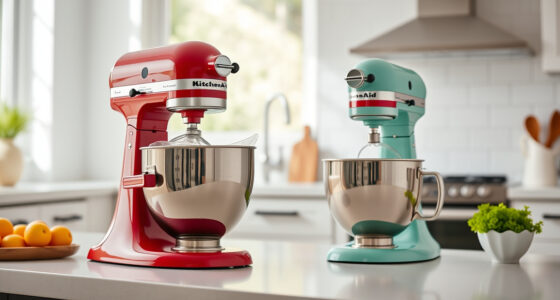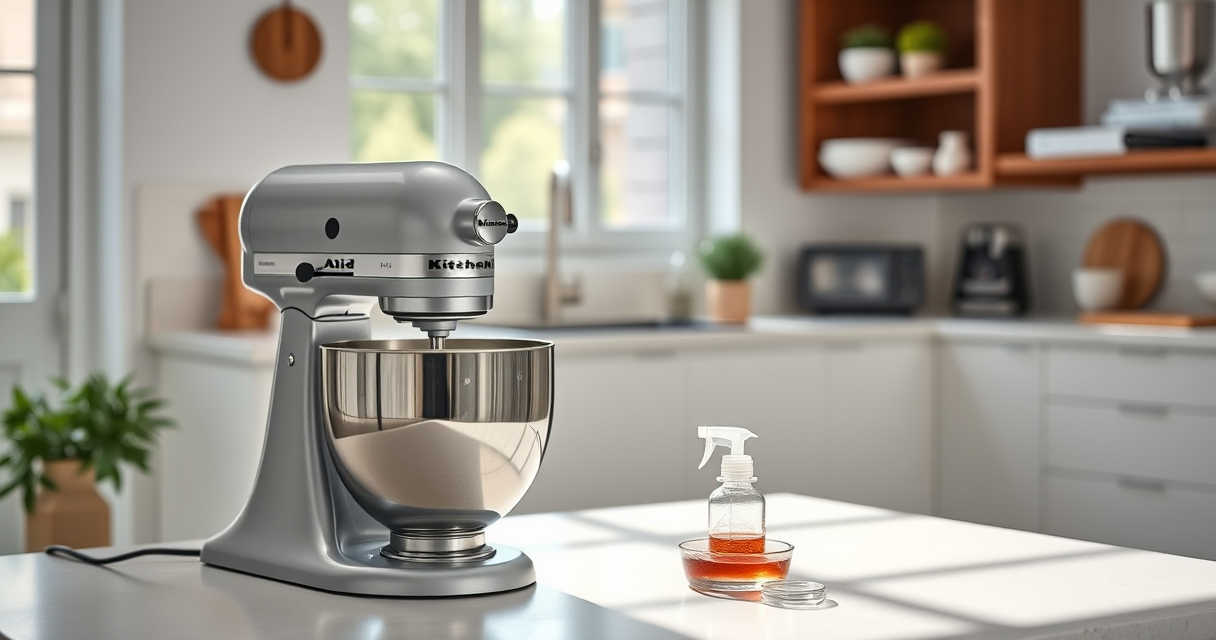

If your KitchenAid Artisan Series 5 Quart Tilt Head Stand Mixer isn’t tilting back as it should, it can hinder your baking and cooking projects. Fortunately, most issues are fixable with some basic troubleshooting and maintenance. In this guide, you’ll learn the common causes and step-by-step solutions to get your mixer functioning smoothly again.

Get home appliances delivered free with Prime
- Fast, free delivery on millions of items
- Prime Video, Amazon Music and more included
- Member-only deals all year
Always prioritize safety when working with electrical appliances. Make sure the mixer is unplugged before attempting any repairs or adjustments.
Key Takeaways
| Common Cause | Obstructions or misaligned parts prevent tilting. |
| Safety First | Always unplug the mixer before troubleshooting. |
| Simple Fixes | Most issues are resolved by cleaning or realignment. |
| Professional Help | Seek repair if the problem persists after basic fixes. |
Check for Obstructions and Debris
- Ensure the tilt mechanism isn’t blocked by food residue, crumbs, or other debris. Remove the pouring shield and any attachments for clear access.
- Wipe down the tilt head and hinge area with a damp cloth to clear any buildup.
- Verify that no objects are caught in the tilt lock or hinge pins.
Inspect and Reset the Tilt Lock
- Locate the tilt lock lever on the side of the mixer.
- Gently release and re-engage the lock to ensure it isn’t stuck or misaligned.
- If the lock feels loose or jammed, try pressing or toggling it multiple times to reset its position.
Lubricate the Hinge and Moving Parts
If the tilt head is stiff or difficult to move, applying a small amount of food-grade lubricant to the hinge pin can help. Use a lubricant suitable for appliances and avoid over-application.
Check for Mechanical Damage or Wear
Look for signs of damage on the hinge, lock, or other components. If parts are bent, broken, or excessively worn, professional repair or replacement may be necessary.
Test the Tilt Function
- After performing cleaning, inspection, and lubrication, plug in your mixer.
- Gently tilt the head back and forth, ensuring it moves smoothly without resistance.
- If it still won’t tilt back, consider consulting a repair technician or contacting KitchenAid customer service.
The Products in This Guide

KitchenAid Artisan Series 5 Quart Tilt Head Stand Mixer
- ✔ Bowl Type: Stainless Steel
- ✔ Handle: Yes
- ✔ Dishwasher Safe: Yes

KitchenAid Stand Mixer Attachment
- ✔ Attachment Type: Pasta Roller
- ✔ Color: Silver
- ✔ Size: 1 ft
KitchenAid Artisan Series 5 Quart Tilt Head Stand Mixer
The KitchenAid Artisan Series 5 Quart Tilt Head Stand Mixer is built with durable metal construction and features 59 touchpoints for thorough mixing. Its tilt-head design offers easy access to the bowl, making it simple to add ingredients and switch attachments.
Pros:
- Durable metal build
- Easy tilt-head access
- Multiple speed settings
- Large stainless steel bowl
Cons:
- Heavy weight
- Can be noisy at high speeds
- Tilt mechanism may require maintenance
Best for: Baking enthusiasts and home cooks needing a reliable mixer
Not ideal for: Small kitchens with limited space or those seeking a lightweight option
Bottom line: A sturdy, versatile mixer perfect for a variety of baking tasks.
KitchenAid Stand Mixer Attachment
This KitchenAid Stand Mixer Attachment transforms your mixer into a pasta-making station. It features stainless steel rollers and cutters, offering consistent results for homemade pasta.
Pros:
- Stainless steel rollers
- Multiple thickness settings
- Easy to clean
- Compatible with all household KitchenAid mixers
Cons:
- Additional cost
- Requires separate purchase
- Takes up storage space
Best for: Home cooks who love fresh pasta
Not ideal for: Those not interested in pasta making or with limited storage
Bottom line: A durable, easy-to-use pasta roller attachment for fresh homemade pasta.
Frequently Asked Questions
Why won’t my KitchenAid tilt back?
Common reasons include debris blocking the hinge, misaligned lock mechanisms, or mechanical damage. Follow the troubleshooting steps to identify the cause.
Is it safe to lubricate the hinge?
Yes, but only use food-grade lubricant suitable for appliances. Avoid over-lubricating to prevent attracting debris.
My mixer still won’t tilt after cleaning. What next?
If cleaning and lubrication don’t resolve the issue, consult a professional repair service or contact KitchenAid customer support.
Can I use the mixer with the tilt head locked in place?
No, the tilt head must be unlocked for tilting. Always ensure it is properly locked in place during operation for safety.
Get Your Mixer Back in Action
Most tilt back issues with your KitchenAid Artisan stand mixer are manageable with simple cleaning, inspection, and maintenance. Always prioritize safety by unplugging the appliance before troubleshooting. If problems persist, professional repair is recommended to ensure your mixer remains safe and functional for years to come.
Affiliate disclosure: As an Amazon Associate we earn from qualifying purchases. Prices and availability are accurate as of the time of publishing.