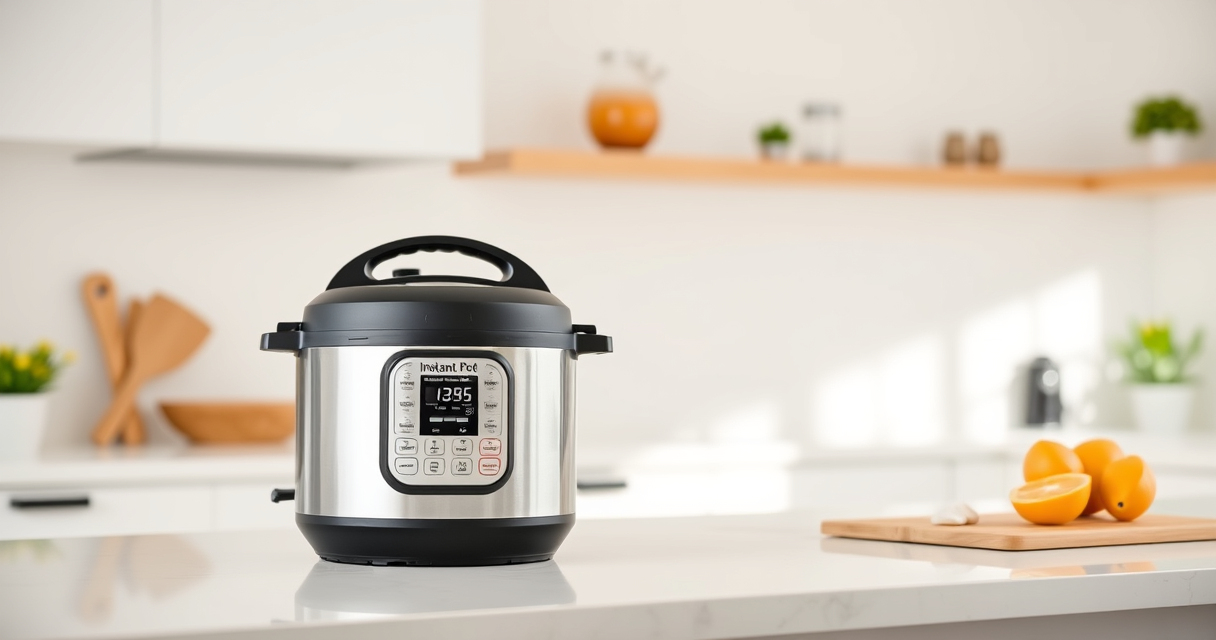

If your Instant Pot 4QT RIO Mini 7-in-1 Multi-Cooker keeps displaying a burn error, it can be frustrating and disrupt your meal plans. This error typically indicates that the cooker detects food or liquid burning or sticking to the bottom, triggering safety mechanisms to prevent further damage. Fortunately, most burn errors can be resolved with some simple troubleshooting steps, allowing you to continue cooking without issues.

Get home appliances delivered free with Prime
- Fast, free delivery on millions of items
- Prime Video, Amazon Music and more included
- Member-only deals all year
Following a structured approach will help you identify and fix the root cause safely and effectively. This guide provides clear, practical steps to troubleshoot and resolve the burn error, ensuring your Instant Pot performs optimally again.
Key Takeaways
| Understanding Burn Error | Triggered when food or liquid burns or sticks at the bottom. |
| Check for Food Sticking | Uneven food distribution can cause burning. |
| Ensure Proper Liquid Levels | Insufficient liquid can lead to burning and error messages. |
| Clean the Bottom | Residue buildup can trigger the burn warning. |
| Inspect the Sealing Ring | Damaged or improperly fitted rings may cause pressure issues. |
Step 1: Turn Off and Cool Down
- Press ‘Cancel’ or unplug the Instant Pot to turn it off.
- Allow the cooker to cool for at least 15 minutes before handling.
Step 2: Release Pressure Safely
Carefully release the steam using the quick release method, ensuring no hot steam escapes suddenly. Wait until the float valve drops before opening the lid.
Step 3: Check for Burnt Residue
- Open the lid and inspect the bottom of the inner pot for burnt food or residue.
- If residue is present, carefully remove it using a non-abrasive scrubber and warm soapy water.
Step 4: Ensure Proper Food and Liquid Placement
- Stir the ingredients to distribute food evenly, avoiding direct contact with the bottom.
- Add enough liquid, typically at least 1 cup for most recipes, to prevent burning.
Step 5: Check the Sealing Ring and Inner Pot
Inspect the sealing ring for cracks or deformation and ensure it fits snugly. Replace if damaged. Also, ensure the inner pot is clean and properly seated.
The Products in This Guide

Instant Pot 4QT RIO Mini 7-in-1 Multi-Cooker
- ✔ Weight: 8 lbs
- ✔ Dimensions: 8.5 x 8 x 9 inches
- ✔ Material: Plastic and stainless steel

AOZITA Steamer Basket
- ✔ Weight: 1.2 lbs
- ✔ Dimensions: 7 x 7 x 4 inches
- ✔ Color: Silver
Instant Pot 4QT RIO Mini 7-in-1 Multi-Cooker
The Instant Pot 4QT RIO Mini 7-in-1 Multi-Cooker is an excellent choice for small households or limited kitchen space. Its multi-functionality and ease of use make it a versatile addition to your cooking arsenal.
Pros:
- Compact size ideal for small families
- Seven cooking functions including pressure cook and yogurt
- Easy to store and clean
- Progress indicator for monitoring cooking
Cons:
- Limited 4-quart capacity
- Might require additional accessories for specific recipes
- Slightly longer cook times for some dishes
Best for: Small households, quick meals, versatile cooking needs
Not ideal for: Large families or extensive meal prep
Bottom line: A compact, versatile cooker perfect for small-scale cooking needs.
AOZITA Steamer Basket
The AOZITA Steamer Basket adds significant utility to your Instant Pot, allowing you to steam multiple items simultaneously and streamline meal prep.
Pros:
- Two-tier design for efficient cooking
- Stainless steel mesh is durable and easy to clean
- Includes silicone handles for safety
- Versatile for vegetables, eggs, pasta, and more
Cons:
- Requires additional space inside the pot
- May take some time to get used to stacking
Best for: Steaming vegetables, eggs, and multi-step meals
Not ideal for: Cooking large quantities for big families
Bottom line: A practical accessory that maximizes your Instant Pot’s steaming capabilities.
Frequently Asked Questions
Why does my Instant Pot keep showing a burn error?
This typically happens if food or liquid sticks to the bottom, or if there isn’t enough liquid in the pot. It can also be caused by residue buildup or improper sealing.
How can I prevent the burn error from occurring?
Ensure there’s enough liquid, stir ingredients well, and clean the inner pot regularly. Using an appropriate amount of liquid and avoiding thick sauces at the bottom can help.
Is it safe to continue cooking after fixing the burn error?
Yes, once you’ve addressed the cause—such as cleaning the bottom and checking seals—you can safely resume cooking. Always ensure the lid is sealed properly before restarting.
Mastering Your Instant Pot for Safe, Burn-Free Cooking
By following these troubleshooting steps, you can effectively resolve the burn error and keep your Instant Pot operating smoothly. Regular maintenance and careful ingredient placement are key to preventing future issues. Enjoy consistent, delicious meals without interruptions!
Affiliate disclosure: As an Amazon Associate we earn from qualifying purchases. Prices and availability are accurate as of the time of publishing.
Cold & flu season Picks
humidifiers
As an affiliate, we earn on qualifying purchases.