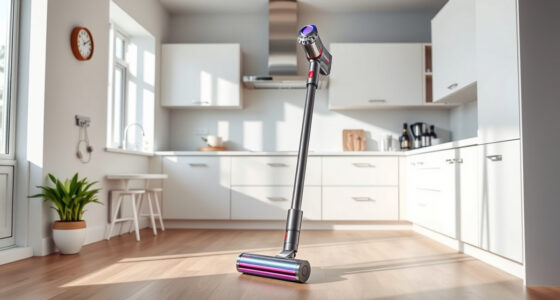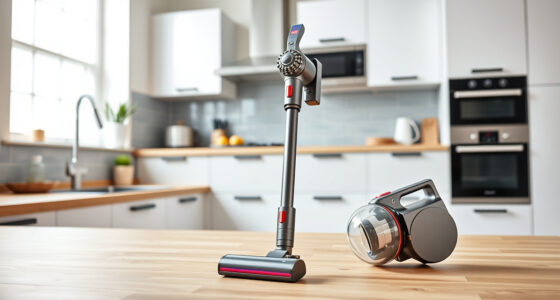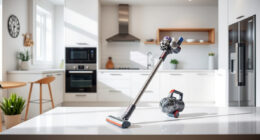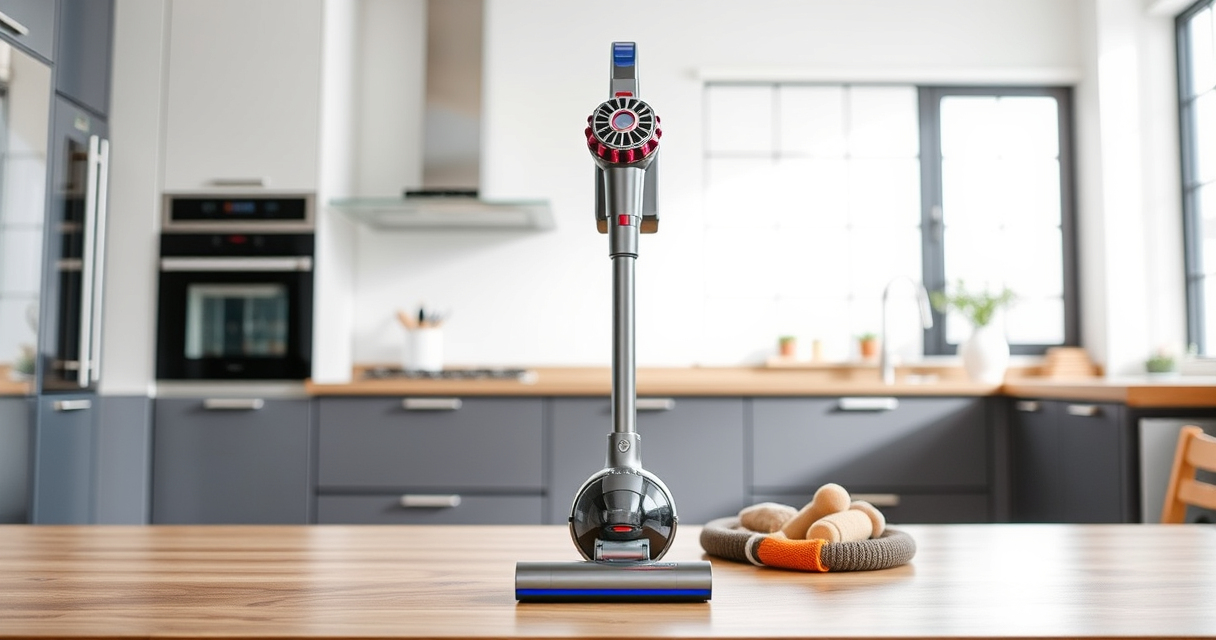
Maintaining your Dyson V15 Detect™ Origin Cordless Vacuum is essential to ensure it continues to deliver powerful, efficient cleaning. Regular upkeep not only extends its lifespan but also guarantees optimal performance. This guide provides clear, practical steps for cleaning, replacing filters, troubleshooting common issues, and maximizing your vacuum’s capabilities.
Follow these straightforward instructions to keep your Dyson running smoothly and troubleshoot any issues that may arise during use.
Key Takeaways
| Routine Cleaning | Regularly clean filters and brushes to maintain suction. |
| Filter Replacement | Replace filters every 2-3 months for consistent performance. |
| Battery Care | Properly charge and store to extend battery life. |
| Troubleshooting | Identify common issues like loss of suction or battery problems. |

Dyson V15 Detect™ Origin Cordless Vacuum
Powerful and intelligent for whole-home deep cleaning. Reveals invisible dust.
As an affiliate, we earn on qualifying purchases.
Cleaning the Vacuum’s Brush Heads
- Turn off and unplug the vacuum, then remove the cleaner head from the wand.
- Clear any tangled hair or debris from the Digital Motorbar and Fluffy Optic heads.
- Use the crevice tool to dislodge debris stuck in the bristles.
- Wipe the heads with a damp cloth and let them air dry before reattaching.

LANMU Crevice Tool Vacuum Attachments Compatible with Dyson V15 V12 V11 V10 V9 V8 V7 Gen5 Outsize Vacuum Cleaner, Narrow Nozzel Replacement Parts for Hard-to-Reach Space
Wide Compatibility: This crevice tool attachment is compatible with V15 V12 V11 V10 V9 V8 V7 Gen5 G5...
As an affiliate, we earn on qualifying purchases.
Replacing the Pre-Filters
- Remove the filter from the cyclone assembly following the user manual instructions.
- Rinse the pre-filter under cold water until clear, avoiding detergents.
- Gently squeeze out excess water and let it air dry completely (at least 24 hours).
- Reinstall the filter once dry, ensuring a secure fit.
Troubleshooting Common Issues
- Loss of Suction: Check and clean filters and brush heads, replace filters if dirty or clogged.
- Battery Not Charging: Ensure the charger is connected properly, try a different outlet, and avoid overcharging.
- Unresponsive LCD Screen: Restart the vacuum, check for firmware updates, and reset if necessary.
Replacing Filters
- Remove the used filters from the vacuum (refer to the manual for precise steps).
- Insert the new filters (such as the 3Pack Pre Filters or V10 Filters if compatible).
- Ensure they are properly seated to prevent loss of suction.
- Regularly check and replace filters every 2-3 months for optimal performance.
General Maintenance Tips
- Store the vacuum in a cool, dry place away from direct sunlight.
- Regularly check for and clear blockages in the wand and tubes.
- Keep the LCD screen clean for clear readings.
- Update firmware if prompted to ensure optimal functionality.
The Products in This Guide

Dyson V15 Detect™ Origin Cordless Vacuum
- ✔ Battery Life: 60 min
- ✔ Filter Type: Pre-filter and post-filter
- ✔ Head Types: Digital Motorbar and Fluffy Optic

LANMU Crevice Tool Vacuum Attachments Compatible
- ✔ Compatibility: Most Dyson cordless
- ✔ Flexibility: High
- ✔ Material: Polycarbonate
Dyson V15 Detect™ Origin Cordless Vacuum
The Dyson V15 Detect™ Origin Cordless Vacuum offers powerful, intelligent cleaning with features like a laser that reveals invisible dust and a run time of up to 60 minutes. Its advanced heads and LCD screen make it a top choice for whole-home cleaning.
Pros:
- Powerful suction
- Intelligent debris detection
- Long battery life
- Versatile cleaning modes
Cons:
- Heavier than some handhelds
- Battery replacement can be costly
Best for: Deep cleaning on all floor types, pet owners, detailed home maintenance
Not ideal for: Light, quick cleans or very small spaces
Bottom line: The Dyson V15 Detect™ Origin is a top-tier cordless vacuum for thorough, intelligent cleaning.
LANMU Crevice Tool Vacuum Attachments Compatible
This versatile crevice tool attachment is compatible with many Dyson models, including the V15. Its slim design allows easy access into tight corners and hard-to-reach spots, making cleaning more effective.
Pros:
- Narrow nozzle for tight spaces
- Flexible design
- Easy to attach
- Great for cars and furniture
Cons:
- May be too slim for larger debris
- Requires careful handling to avoid damage
Best for: Cleaning corners, edges, car interiors, and tight spots
Not ideal for: Heavy debris removal or large surface cleaning
Bottom line: A practical attachment for detailed, hard-to-reach cleaning tasks.
Frequently Asked Questions
How often should I replace the filters in my Dyson V15?
It is recommended to replace or clean filters every 2-3 months for optimal performance. The filters are washable, so you can rinse and reuse them.
What should I do if my vacuum loses suction?
Check and clean the filters, ensure the brush heads are free of tangled hair, and inspect for blockages in the wand or hose. Replace filters if they are clogged or dirty.
Can I use third-party filters with my Dyson V15?
While some third-party filters may fit, it is best to use official Dyson filters or those compatible with your model to ensure safety and performance.
How do I troubleshoot battery issues?
Ensure the charger is correctly connected and the outlet is working. Avoid overcharging, and replace the battery if it no longer holds a charge after proper charging cycles.
Keep Your Dyson V15 Detect™ in Prime Condition
Regular maintenance is key to enjoying the full power and longevity of your Dyson cordless vacuum. By following these simple cleaning, replacement, and troubleshooting steps, you can ensure your vacuum performs at its best for years to come. A little proactive care goes a long way in maintaining the efficiency and effectiveness of your cleaning routine.
Affiliate disclosure: As an Amazon Associate we earn from qualifying purchases. Prices and availability are accurate as of the time of publishing.