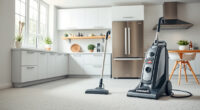
If your Dyson V15 Detect™ Origin Cordless Vacuum isn’t providing the usual suction power, it can be frustrating and hinder your cleaning routine. Common causes include clogged filters, blockages, or full dust bins. This guide walks you through practical, safe steps to restore your vacuum’s suction and keep it running efficiently.

Get home appliances delivered free — and shop member deals
- Fast, free delivery on millions of items
- Access to Prime Big Deal Days deals on October 6–7
- Prime Video, Amazon Music and more included
Before starting, ensure your vacuum is turned off and unplugged if applicable. Gather necessary tools like a soft brush, a cloth, and replacement filters if needed. Follow each step carefully to avoid damage and ensure safety.
Key Takeaways
| Regular Cleaning | Cleaning filters and removing blockages restores suction. |
| Filter Maintenance | Replacing filters every 2-3 months maintains peak performance. |
| Check for Blockages | Obstructions in the wand or cleaner head reduce suction. |
| Empty Dust Bin | A full dust bin can significantly decrease vacuum power. |
Step 1: Turn Off and Unplug the Vacuum
Ensure your Dyson V15 Detect™ is powered down and disconnected from any charging station. Safety first—never work on a plugged-in device.
Step 2: Empty the Dust Bin
- Press the dust bin release button and remove the bin.
- Empty the contents into a trash bag.
- Check for blockages or debris in the bin’s inlet and outlet.
Step 3: Clean or Replace the Filters
Remove the pre-filters and main filters as per the user manual. Rinse the filters under cold water, gently squeeze out excess water, and let them air dry completely for at least 24 hours before reinstalling. Consider replacing filters with a 3Pack Pre Filters Replacement if they are worn out.
Step 4: Check for Blockages
- Inspect the wand, cleaner head, and crevice tool for obstructions.
- Remove any visible debris or hair tangled in the brush bar or inlet ports.
- Use the crevice tool to reach tight spots.
Step 5: Examine the Cleaner Head and Attachments
Ensure the cleaner head is properly attached and free of hair or debris that could obstruct airflow. Clear any tangled hair from the Digital Motorbar or Fluffy Optic cleaner head.
The Products in This Guide

Dyson V15 Detect™ Origin Cordless Vacuum
- ✔ Battery Life: Up to 60 mins
- ✔ Cleaning Heads: 2 advanced types
- ✔ Filter Type: Pre-filters and main filters

LANMU Crevice Tool Vacuum Attachments Compatible
- ✔ Length: Extended slim nozzle
- ✔ Material: Plastic
- ✔ Compatibility: Multiple Dyson models
Dyson V15 Detect™ Origin Cordless Vacuum
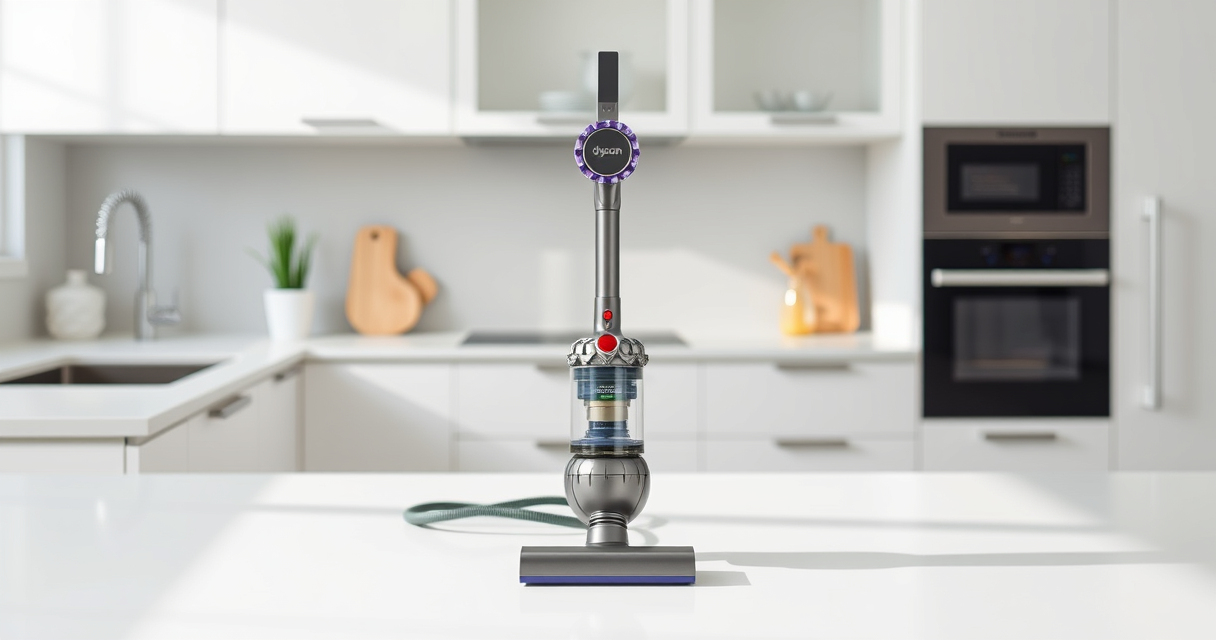
The Dyson V15 Detect™ Origin Cordless Vacuum offers powerful suction, intelligent debris detection, and a variety of attachments for versatile cleaning. Regular maintenance helps keep it performing at its best.
Pros:
- Powerful and intelligent cleaning
- Long 60-minute run time
- LCD screen for real-time updates
- Two advanced cleaner heads
Cons:
- Filter cleaning required regularly
- Can be heavy for some users
- Pricey replacement filters
Best for: Deep cleaning hard floors and carpets, pet hair removal, versatile home use
Not ideal for: For users seeking a lightweight or budget vacuum
Bottom line: A high-performance cordless vacuum with smart features, requiring regular maintenance to sustain suction.
LANMU Crevice Tool Vacuum Attachments Compatible
This LANMU crevice tool offers a versatile, slim design suited for tight corners and small spaces, making it easier to remove debris from edges and car interiors.
Pros:
- Narrow nozzle for tight spots
- Flexible and easy to maneuver
- Compatible with multiple Dyson models
- Ideal for cars and furniture
Cons:
- May be too slim for larger debris
- Requires proper attachment for best results
- No additional features
Best for: Cleaning edges, corners, and small gaps in home and car
Not ideal for: For large debris or deep cleaning tasks
Bottom line: An effective attachment to reach difficult spots, enhancing your Dyson vacuum’s versatility.
Frequently Asked Questions
Why does my Dyson vacuum keep losing suction?
Common causes include clogged filters, blockages in the wand or cleaner head, or a full dust bin. Regular maintenance and cleaning help restore suction.
How often should I replace the filters?
Replace pre-filters every 2-3 months or as recommended, and wash them thoroughly before reinstalling. Use high-quality replacement filters if needed.
Can I clean the filters while they are wet?
Yes, filters can be rinsed with cold water. Allow them to air dry completely for at least 24 hours before reinstalling to prevent damage.
What should I do if cleaning doesn’t improve suction?
Check for blockages, ensure filters are clean and dry, and verify that the dust bin is empty. If issues persist, consider replacing filters or contacting Dyson support.
Keeping Your Dyson V15 Detect in Peak Condition
Regular maintenance, including cleaning filters, emptying the dust bin, and checking for blockages, is essential to keep your Dyson V15 Detect™ performing at its best. Following this step-by-step guide ensures your vacuum maintains strong suction and delivers optimal cleaning results for your home.
By staying proactive with maintenance and using the right attachments, you can extend the lifespan of your vacuum and enjoy deep, efficient cleaning every time.
Affiliate disclosure: As an Amazon Associate we earn from qualifying purchases. Prices and availability are accurate as of the time of publishing.
Fall yard work Picks
leaf blowers
As an affiliate, we earn on qualifying purchases.