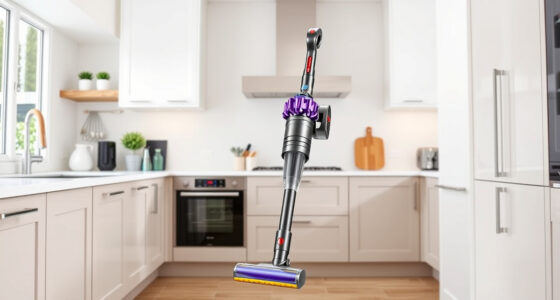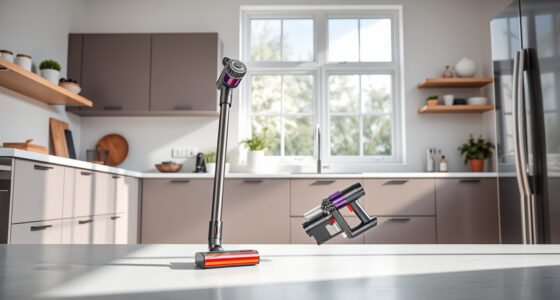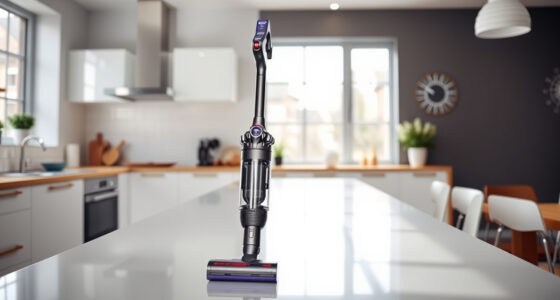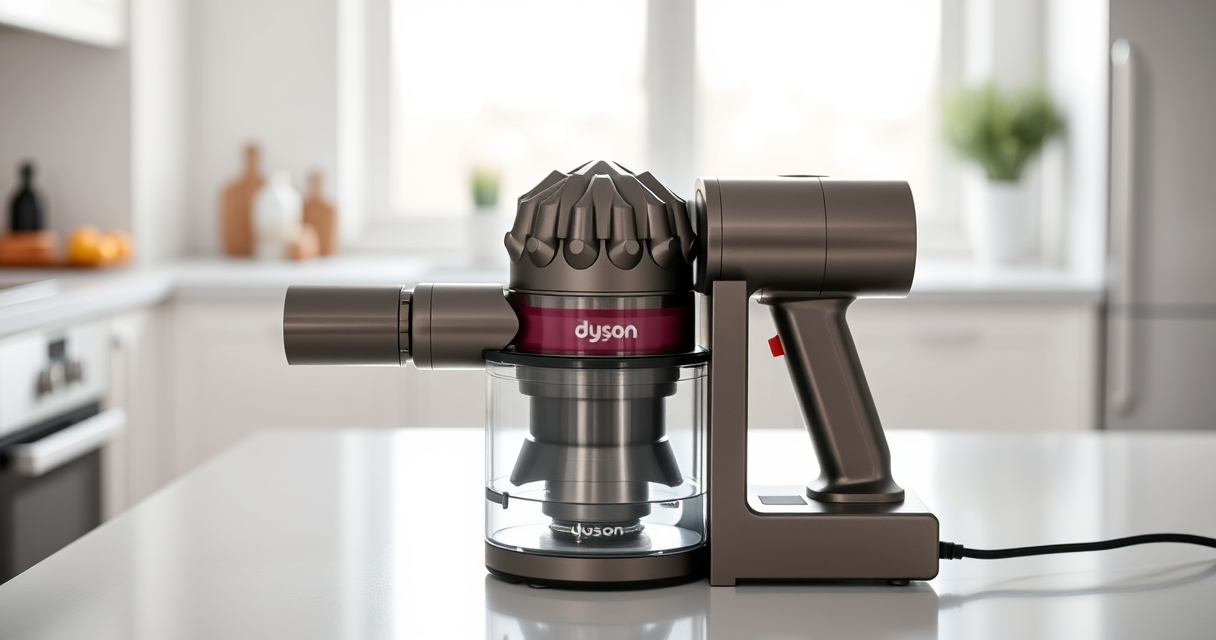

If your Dyson V15 Detect™ Origin Cordless Vacuum isn’t holding a charge like it used to, it can be frustrating. Battery degradation over time is common, but other causes may be at play. This guide provides practical steps to identify and fix the issue, helping you restore your vacuum’s run time and efficiency.

Get home appliances delivered free — and shop member deals
- Fast, free delivery on millions of items
- Access to Prime Big Deal Days deals on October 6–7
- Prime Video, Amazon Music and more included
Follow these easy-to-understand troubleshooting steps to get your Dyson vacuum back to peak performance safely and effectively.
Key Takeaways
| Battery Age | Older batteries tend to lose capacity and hold less charge. |
| Clogged Filters | Dirty filters can cause the motor to work harder, draining the battery faster. |
| Battery Connections | Loose or corroded connections may impair charging and power flow. |
| Overuse & Heat | Extended use or overheating can reduce battery lifespan. |
| Proper Maintenance | Regular cleaning and timely filter replacements extend battery life. |
Check the Battery’s Age and Usage
- Determine how old your Dyson V15 Detect™ is. Batteries typically last 1-2 years with regular use.
- If your vacuum is over a year old and the battery life has significantly decreased, it’s likely time for a replacement.
Inspect and Clean the Filters
- Remove the pre-filters and V10 filters (if applicable) from your vacuum.
- Rinse them thoroughly with water and let them air dry completely — this may take up to 24 hours.
- Reinstall the filters once dry. Dirty filters can cause the motor to overwork, draining the battery faster.
Check Battery Connections and Charging Port
- Ensure the battery is seated properly in the vacuum, with no loose connections.
- Inspect the charging port for debris or corrosion. Clean gently if needed.
- Use the original charger and confirm the power outlet is functioning correctly.
Test the Battery and Replace if Necessary
- If your vacuum still has poor run time after cleaning filters and checking connections, consider testing the battery.
- Contact Dyson support or a professional technician for a battery test or replacement.
- Replace the battery if it no longer holds sufficient charge, usually indicated by rapid depletion or failure to charge fully.
Additional Tips for Battery Longevity
- Avoid overcharging; unplug once fully charged.
- Store the vacuum in a cool, dry place and avoid extreme temperatures.
- Regularly clean filters and check the battery connection points.
The Products in This Guide

Dyson V15 Detect™ Origin Cordless Vacuum
- ✔ Battery Type: Li-ion
- ✔ Charge Time: Approximately 4 hours
- ✔ Filter Replacement Interval: Every 2-3 months

LANMU Crevice Tool Vacuum Attachments Compatible
- ✔ Weight: Lightweight
- ✔ Color: Black
- ✔ Durability: High-strength plastic
Dyson V15 Detect™ Origin Cordless Vacuum
<p>The Dyson V15 Detect™ Origin offers impressive cleaning power and smart features. However, like all cordless vacuums, its battery can degrade over time, leading to shorter run times. Regular maintenance and understanding common issues can extend its battery life.</p>
Pros:
- High cleaning power
- Intelligent debris detection
- Long 60-minute run time
- Multiple cleaning heads
Cons:
- Battery may degrade over time
- Filters require regular cleaning
- Battery replacement can be costly
Best for: Homeowners seeking deep, efficient cleaning with smart features.
Not ideal for: Users expecting indefinite battery life without maintenance.
Bottom line: Proper maintenance can significantly extend your Dyson V15 Detect™’s battery life.
LANMU Crevice Tool Vacuum Attachments Compatible
<p>The LANMU Crevice Tool offers a narrow, flexible nozzle that easily reaches tight spaces and corners, making it a perfect addition for thorough cleaning around your Dyson vacuum.</p>
Pros:
- Narrow design for precision
- Compatible with multiple Dyson models
- Easy to attach and detach
- Effective for car and home cleaning
Cons:
- May be too slim for larger debris
- Requires careful handling to avoid damage
- Not suitable for heavy-duty cleaning
Best for: Reaching tight corners, edges, and small crevices in home or car.
Not ideal for: Cleaning large debris or for general surface cleaning.
Bottom line: An invaluable tool for detailed cleaning in tight spaces.
Frequently Asked Questions
How can I tell if my Dyson battery needs replacing?
If your vacuum’s run time has significantly decreased over time, or it no longer holds a charge, it may be time to replace the battery. Contact Dyson support for testing and replacement options.
Can cleaning the filters improve battery life?
Yes, cleaning the filters regularly ensures the motor isn’t overworking, which can help maintain optimal battery performance.
Is it safe to replace the battery myself?
Replacing the Dyson battery can be safe if you follow proper instructions and use compatible replacement parts. However, if unsure, consult a professional or Dyson support.
How often should I replace the filters?
Filters should be replaced or cleaned every 2-3 months, depending on usage, to ensure optimal airflow and motor performance.
Keep Your Dyson V15 Detect™ Running Smoothly
Maintaining your Dyson cordless vacuum’s battery involves regular filter cleaning, proper charging habits, and timely replacement when needed. By following these troubleshooting steps, you can extend the life of your vacuum and ensure it continues to deliver powerful cleaning performance for your home.
Remember, if your battery is old or no longer effective after maintenance, replacing it is the best way to restore your vacuum’s run time and efficiency. Proper care keeps your Dyson working at its best for years to come.
Affiliate disclosure: As an Amazon Associate we earn from qualifying purchases. Prices and availability are accurate as of the time of publishing.
Fall yard work Picks
leaf blowers
As an affiliate, we earn on qualifying purchases.