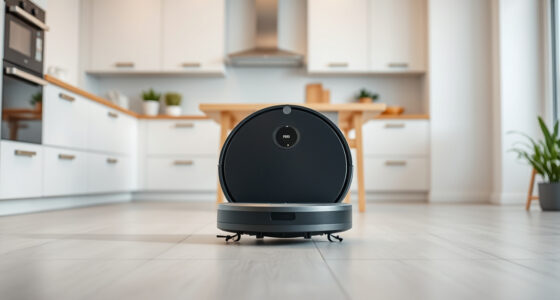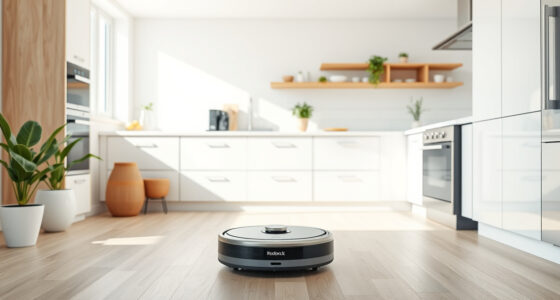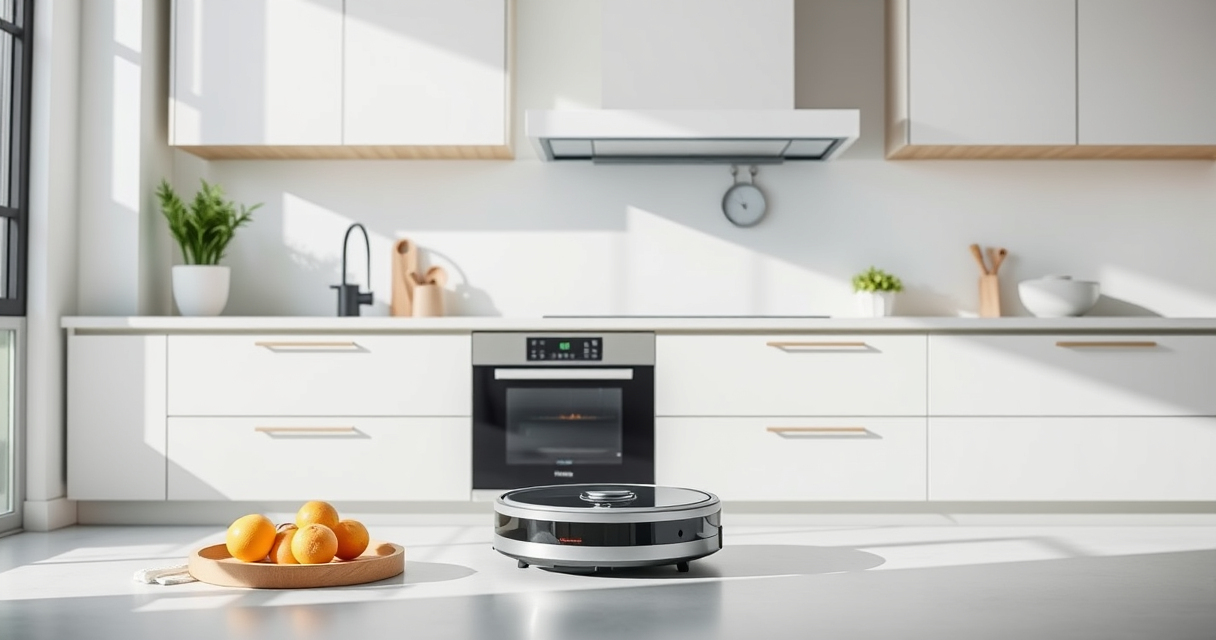
Getting your new Roborock Q7 M5+ ready for action is straightforward but requires careful setup to ensure optimal performance. This guide walks you through the essential steps, safety tips, and troubleshooting advice to help you start cleaning confidently from the first run.

Get home appliances delivered free with Prime
- Fast, free delivery on millions of items
- Prime Video, Amazon Music and more included
- Member-only deals all year
Whether you’re new to robotic vacuums or upgrading from a previous model, following these clear instructions will ensure your device operates smoothly and maintains its efficiency over time.
Key Takeaways
| Power and Charging | Ensure your vacuum is fully charged before initial setup. |
| Dust Bag & Filters | Install the self-emptying dust bag and washable filters for maintenance. |
| Navigation & App Setup | Configure the PreciSense LiDAR navigation and connect via the app. |
| Mop and Accessories | Attach the mop pads if mopping is desired, and check accessories. |
| Test Run & Troubleshooting | Perform a test run and verify the vacuum’s operation. |
Step 1: Prepare Your Charging Station
- Place the Roborock Q7 M5+ on a flat, unobstructed surface near a power outlet.
- Ensure the charging dock is plugged in and positioned against a wall with at least 1 meter clearance on each side and 2 meters in front.
- Align the vacuum’s charging contacts with the dock and let it automatically dock and start charging. Wait until the indicator shows full charge or the device signals readiness.
Step 2: Install the Self-Emptying Dust Bag & Filters
- Open the dust compartment on the vacuum and insert the 2.7L sealed dust bag from the RockDock Plus.
- Ensure the bag is securely seated and the compartment is closed properly.
- If replacing filters, install the washable True HEPA filters as per the instructions, ensuring a snug fit for optimal suction.
Step 3: Connect via the Roborock App
- Download and install the Roborock app on your smartphone.
- Create an account or log in.
- Follow the in-app prompts to connect the vacuum to your Wi-Fi network, ensuring your device is close to your router during setup.
- Complete the Wi-Fi setup, name your device, and update firmware if prompted.
Step 4: Configure Navigation & Cleaning Settings
- Open the app and access the device settings.
- Calibrate the PreciSense LiDAR navigation if needed, and set cleaning schedules.
- Choose cleaning modes, set no-go zones, and select whether to include mopping with compatible mop pads.
Step 5: Attach Mop Pads & Perform Initial Test
- If mopping, attach the microfiber mop pad securely to the bottom of the vacuum.
- Place the vacuum in a designated test area and start a cleaning cycle via the app.
- Observe its operation to ensure proper movement, suction, and mopping coverage.
The Products in This Guide

roborock Q7 M5+ Robot Vacuum and Mop
- ✔ Max Runtime: Up to 9 weeks
- ✔ Dust Capacity: 2.7L
- ✔ Suction: 10,000Pa

4 Pack Washable Filter
- ✔ Pack: 4 filters
- ✔ Washable: Yes
- ✔ Compatibility: Multiple Roborock models
roborock Q7 M5+ Robot Vacuum and Mop
The Roborock Q7 M5+ offers powerful suction of 10,000Pa, a self-emptying dust system, and advanced navigation, making it ideal for busy households with pets and carpets.
Pros:
- Powerful 10,000Pa suction
- Up to 7-9 weeks of self-emptying
- Dual anti-tangle system
- App control with customizable settings
Cons:
- Higher initial cost
- Requires Wi-Fi setup
- Mop pads not included
Best for: Pet owners, allergy sufferers, large homes
Not ideal for: Small apartments without Wi-Fi or for minimal cleaning needs
Bottom line: A high-performance robot vacuum ideal for pet-friendly, large homes with advanced features.
4 Pack Washable Filter
Pair your Roborock Q7 M5+ with these washable HEPA filters for consistent filtration and easy maintenance, ensuring your home stays allergen-free.
Pros:
- Reusable and washable
- Effective HEPA filtration
- Compatible with multiple models
- Simple to install
Cons:
- Requires regular washing
- Filters may need replacement over time
- Not OEM
Best for: Maintaining air quality, allergy sufferers
Not ideal for: If you prefer disposable filters or have very specific filtration needs
Bottom line: A cost-effective way to keep your vacuum’s filtration system in top shape.
Frequently Asked Questions
How do I update the firmware on my Roborock Q7 M5+?
Open the Roborock app, go to device settings, and check for firmware updates. Follow prompts to install if available.
Can I use the vacuum without the self-emptying dust bag?
No, the vacuum is designed to work with the sealed dust bag for optimal performance and maintenance.
How often should I clean or replace the filters?
Wash the washable filters every 1-2 weeks and replace them every 3-6 months for best suction and air quality.
Is the mop function suitable for all floor types?
The mop pads work well on sealed floors like tile, hardwood, and stone, but avoid using on unsealed or delicate surfaces.
Getting Your Roborock Q7 M5+ Ready for Daily Cleaning
Setting up your Roborock Q7 M5+ correctly ensures reliable and efficient cleaning performance. From installing the dust bag to connecting via the app, each step helps you get the most out of your investment. Regular maintenance and app customization will keep your device running smoothly and your home spotless.
Affiliate disclosure: As an Amazon Associate we earn from qualifying purchases. Prices and availability are accurate as of the time of publishing.
Halloween Picks
halloween
As an affiliate, we earn on qualifying purchases.