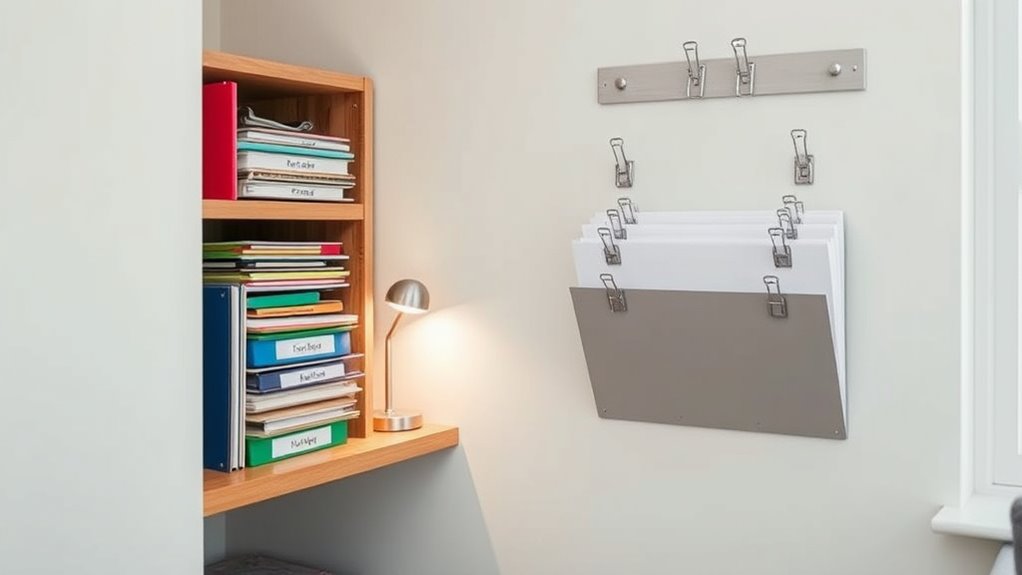

To manage important documents in your tiny apartment, consider creating a digital filing system that saves space and keeps things organized. Scan your essential papers, receipts, and bills using a smartphone app or scanner, then store them securely in cloud services like Google Drive or Dropbox. Use clear folders and labels to categorize files by type, and back up regularly. If you’d like tips to streamline your system further, there’s more to explore.

Get home appliances delivered free with Prime
- Fast, free delivery on millions of items
- Prime Video, Amazon Music and more included
- Member-only deals all year
Key Takeaways
- Use labeled digital folders for categories like insurance, taxes, and medical to keep files organized.
- Scan documents with smartphone apps and delete or shred originals to save physical space.
- Implement a consistent naming and tagging system for quick, easy file retrieval.
- Store files on cloud platforms for remote access and backup, reducing clutter.
- Regularly review and update digital files, ensuring all important documents are current and secure.
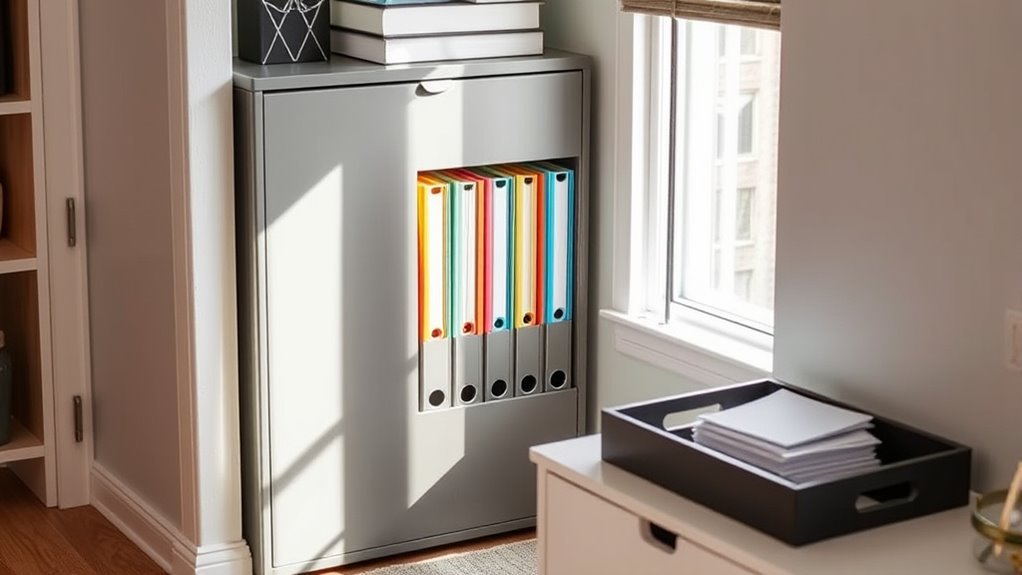
Living in a tiny apartment often means finding creative ways to keep your space organized, especially when it comes to filing important documents. You don’t have the luxury of sprawling filing cabinets or vast storage rooms, so digital organization becomes your best ally. Embracing paperless solutions not only saves space but also streamlines your document management. Instead of cluttering your limited surfaces with stacks of paper, you can scan essential documents, receipts, and bills and store them securely on your devices or cloud services. This way, you maintain quick access without sacrificing precious space.
Using digital organization tools allows you to categorize and search for files effortlessly. Create folders for different types of documents—such as insurance policies, tax records, or medical information—and keep everything neatly labeled. Many apps and programs enable you to tag files for even faster retrieval. Plus, cloud storage options like Google Drive, Dropbox, or OneDrive offer the advantage of accessing your documents from anywhere, reducing the need for physical storage altogether. With everything digitized, you eliminate paper clutter and keep your apartment tidy and manageable.
Organize files with folders, tags, and cloud storage for easy access and clutter-free living.
To effectively implement paperless solutions, start by gathering all your important papers and deciding what truly needs to be kept in physical form. For items like legal documents or signed contracts, consider investing in a small, secure digital scanner or using your smartphone’s scanning app. Once scanned, delete or shred the original paper, ensuring only the necessary copies are kept digitally. This approach not only declutters your space but also enhances security—digital files can be password-protected, safeguarding sensitive information.
However, digital organization isn’t just about scanning documents. Set up a system to regularly back up your files to prevent data loss. Establish a routine for reviewing and updating your digital files so they stay current and organized. Invest in a compact external hard drive or use reliable cloud services to keep copies safe. Keeping digital records organized reduces the physical footprint of your files and makes managing your documents efficient and stress-free.
Living in a tiny apartment challenges you to think creatively about storage, and digital organization paired with paperless solutions offers a smart, space-saving approach. By digitizing your essential documents and maintaining a well-structured system, you free up physical space and gain peace of mind. This method not only reduces clutter but also benefits from high refresh rates and other features that make your document management seamless, reliable, and efficient.
As an affiliate, we earn on qualifying purchases.
Frequently Asked Questions
How Often Should I Update My Filing System?
You should update your filing system at least once every six months to guarantee document labeling is accurate and storage security is maintained. Regular updates help you stay organized, discard outdated papers, and prevent clutter. When you add new documents, re-evaluate existing files, and ensure everything is properly labeled and stored securely. Staying consistent with updates keeps your important documents accessible and protected in your small space.
What Are the Best Space-Saving Filing Tools?
You should choose space-saving filing tools like compact, vertical filing cabinets or portable organizers that fit neatly in small spaces. Use clear labeling methods, such as labels or color codes, to keep everything organized and easily accessible. Portable organizers are perfect for quick access and can be moved as needed. These tools maximize space and keep your important documents tidy without cluttering your tiny apartment.
Can Digital Filing Replace Paper Organization?
Digital filing can effectively replace paper organization if you prioritize digital backups and regularly shred unnecessary paper documents. You’ll save space and reduce clutter by scanning important papers and storing them securely online. Make sure to back up your files frequently and shred sensitive documents once digitized. This way, you maintain a tidy, efficient system, freeing up your limited space while keeping your records safe and accessible.
How Do I Prevent Document Damage in Small Spaces?
Think of your documents as treasures that need safeguarding. To prevent damage, you should focus on paper protection and moisture control. Use airtight, acid-free containers to shield your papers from humidity and spills. Keep your files in a cool, dry spot away from sunlight. Regularly check for signs of moisture or deterioration, and consider using silica gel packs to absorb excess moisture. These steps keep your important documents safe and in pristine condition.
What Are Legal Requirements for Document Storage?
You must follow legal requirements for document storage by adhering to document retention policies specific to your industry and jurisdiction. Keep important records like tax documents, contracts, and legal papers organized and accessible. Guarantee your storage methods promote legal compliance by protecting sensitive information from damage or theft. Regularly review and update your filing system to stay aligned with evolving legal standards, helping you avoid penalties and maintain proper documentation.
As an affiliate, we earn on qualifying purchases.
Conclusion
With a well-organized filing system, your tiny apartment can feel like a spacious haven rather than a cluttered closet. Just like a well-tuned instrument, your documents will play in perfect harmony, making it easy to find what you need when you need it. Remember, even in a small space, smart organization transforms chaos into clarity. Keep your system simple, and you’ll turn your limited space into a sanctuary of order and peace.
labeling system for digital files
As an affiliate, we earn on qualifying purchases.
As an affiliate, we earn on qualifying purchases.
As an affiliate, we earn on qualifying purchases.
Fall Picks
fall essentials
As an affiliate, we earn on qualifying purchases.