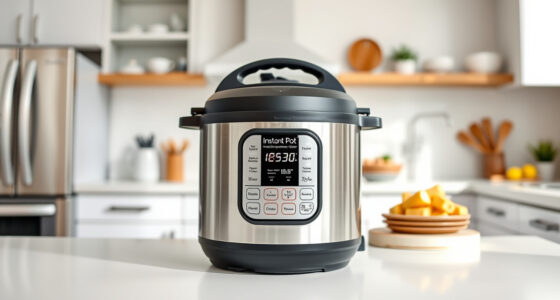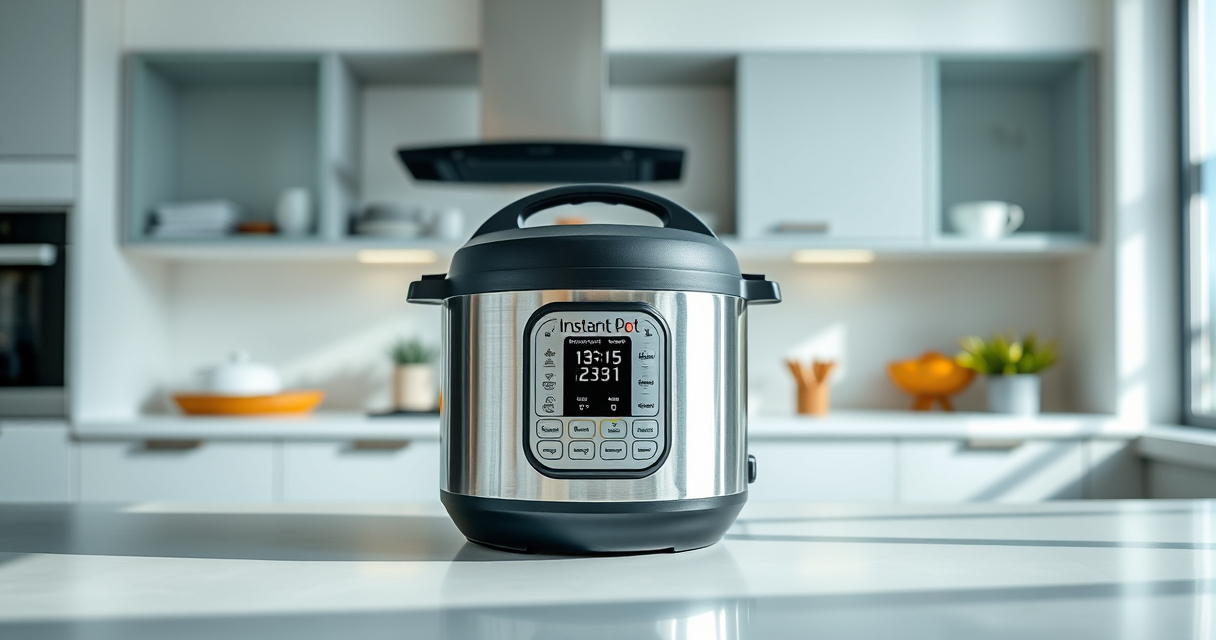

The Instant Pot is a versatile and convenient kitchen appliance, but encountering a burn error can be frustrating. This guide explains the common causes of the burn warning and provides practical, step-by-step solutions to resolve it safely. Whether you’re new to pressure cooking or experienced, these tips will help keep your meals on track and prevent future issues.

Get home appliances delivered free — and shop member deals
- Fast, free delivery on millions of items
- Access to Prime Big Deal Days deals on October 6–7
- Prime Video, Amazon Music and more included
By understanding what triggers the burn error and how to fix it, you can ensure your Instant Pot functions smoothly and safely, saving time and avoiding unnecessary repairs or replacements.
Key Takeaways
| Common Causes | Food sticking or burning at the bottom |
| Prevention Tips | Proper liquid levels and avoiding thick ingredients |
| Quick Fixes | Releasing pressure and cleaning the bottom |
| Safety First | Never ignore the burn warning or force the lid open |
Understanding the Burn Error
The burn error occurs when the Instant Pot detects that food is sticking, burning, or the liquid level is too low for safe pressure cooking. It’s a safety feature designed to prevent damage and ensure safe operation.
Step 1: Release Pressure Safely
- Turn the steam release handle to ‘Venting’ to manually release pressure, or wait for natural release if safe.
- Ensure all pressure is fully released before opening the lid.
Step 2: Open and Inspect the Inner Pot
- Remove the inner pot carefully.
- Check the bottom for burnt food or residue.
Step 3: Clean the Bottom Thoroughly
- Use a soft scrubber and warm soapy water to clean any burnt bits.
- For stubborn spots, use a mixture of baking soda and water to gently scrub.
Step 4: Adjust Your Cooking Strategy
- Ensure there is enough liquid (at least 1 to 1.5 cups for most recipes).
- Avoid thick pastes or ingredients that tend to stick easily.
Tips and Warnings
- Always follow the recommended liquid levels in your recipe.
- Do not force open the lid if the pressure indicator is still up.
- Use a steamer basket if cooking ingredients that tend to stick or burn easily.
The Products in This Guide

Instant Pot 4QT RIO Mini 7-in-1 Multi-Cooker
- ✔ Dimensions: 11.4 x 10.5 x 11 inches
- ✔ Power: 1000W
- ✔ Warranty: 1-year

AOZITA Steamer Basket
- ✔ Capacity: Suitable for multiple servings
- ✔ Compatibility: 6 qt and 8 qt models
- ✔ Color: Silver
Instant Pot 4QT RIO Mini 7-in-1 Multi-Cooker
The Instant Pot 4QT RIO Mini is a compact, 7-in-1 multi-cooker perfect for small families or singles. It offers pressure cooking along with slow cook, sauté, steam, rice making, yogurt, and warming functions, all in a stylish design.
Pros:
- Compact size fits small kitchens
- Multiple cooking functions
- Easy to monitor with status indicator
- Fast cooking times
Cons:
- Limited 4-quart capacity
- Slightly more complex cleaning
- May require extra care to avoid burn errors
Best for: Small households or those with limited space seeking versatile cooking options
Not ideal for: Large families or cooking large batches
Bottom line: A versatile, space-saving multi-cooker ideal for small kitchens.
AOZITA Steamer Basket
The AOZITA Steamer Basket is an excellent accessory for your Instant Pot, allowing you to steam vegetables, eggs, and more efficiently. Its 2-tier design maximizes space and multitasking capacity.
Pros:
- Two-tier stackable design
- Made of durable stainless steel
- Easy to use and clean
- Fits 6 qt or 8 qt models
Cons:
- May require extra space in the pot
- Cleaning the mesh can be tricky if food sticks
- Not suitable for very thick ingredients
Best for: Cooking multiple food items simultaneously or steaming delicate foods
Not ideal for: For recipes that do not involve steaming
Bottom line: A practical addition for versatile steaming and multi-level cooking.
Frequently Asked Questions
Why does my Instant Pot display the burn warning?
It typically indicates food sticking to the bottom, insufficient liquid, or ingredients that tend to burn easily. Check the bottom for residue and ensure proper liquid levels.
How can I prevent the burn error from happening?
Use enough liquid, avoid thick pastes, stir ingredients well before cooking, and consider using a steamer basket for sensitive foods.
Is it safe to force open the lid after a burn error?
No, always wait for the pressure to release completely and the float valve to drop before opening the lid to prevent accidents.
Can I still cook after a burn error?
Yes, but it’s best to clean the bottom thoroughly, adjust your ingredients or liquid levels, and possibly re-start the cooking process with precautions.
Keep Your Instant Pot Cooking Smoothly
Understanding the causes of the burn error and following safe troubleshooting steps can keep your Instant Pot functioning properly and your meals delicious. Regular cleaning and proper ingredient placement are key to avoiding this common issue. With a little care, you can enjoy the full versatility of your multi-cooker without interruptions.
Affiliate disclosure: As an Amazon Associate we earn from qualifying purchases. Prices and availability are accurate as of the time of publishing.
Fall Picks
fall essentials
As an affiliate, we earn on qualifying purchases.