
When choosing a portable monitor for your small apartment office, focus on lightweight and compact options around 15-17 inches to save space. Prioritize ergonomic features like adjustable stands and eye-level positioning to prevent discomfort. Look for energy-efficient models with low power consumption and compatibility with USB-C or HDMI for simple connectivity. Selecting a monitor with power management features helps save electricity and prolongs device life. Keep these points in mind to create a functional, cozy workspace—more tips await if you keep exploring.
Key Takeaways
- Select lightweight, 15-17 inch monitors for portability and suitable workspace fit.
- Ensure adjustable stands and ergonomic positioning to prevent strain in confined spaces.
- Prioritize energy-efficient models with low power consumption and compatible connectivity options like USB-C or HDMI.
- Choose monitors with power management features to extend battery life and reduce energy costs.
- Confirm compatibility with existing devices and consider size to balance usability and space limitations.
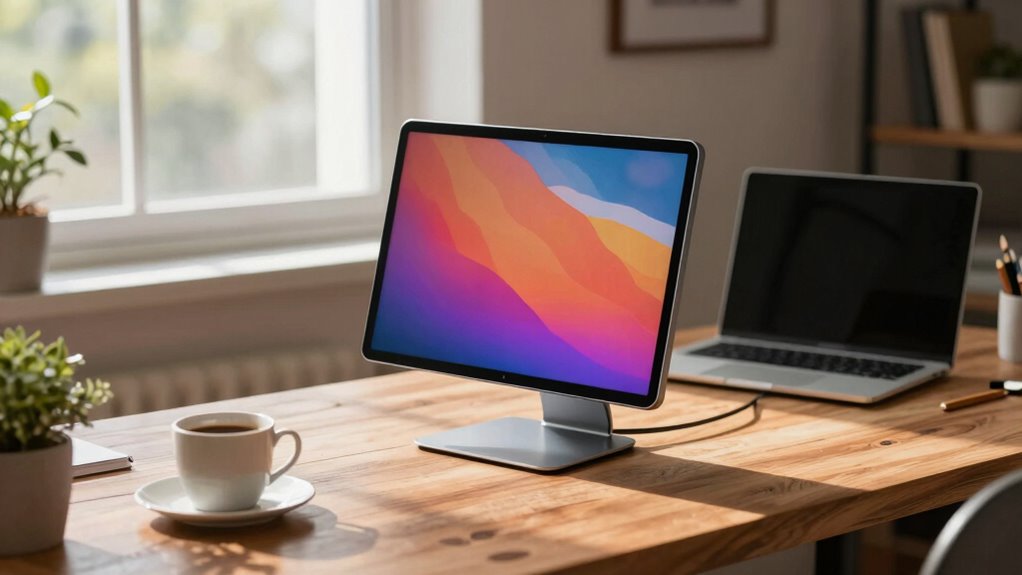
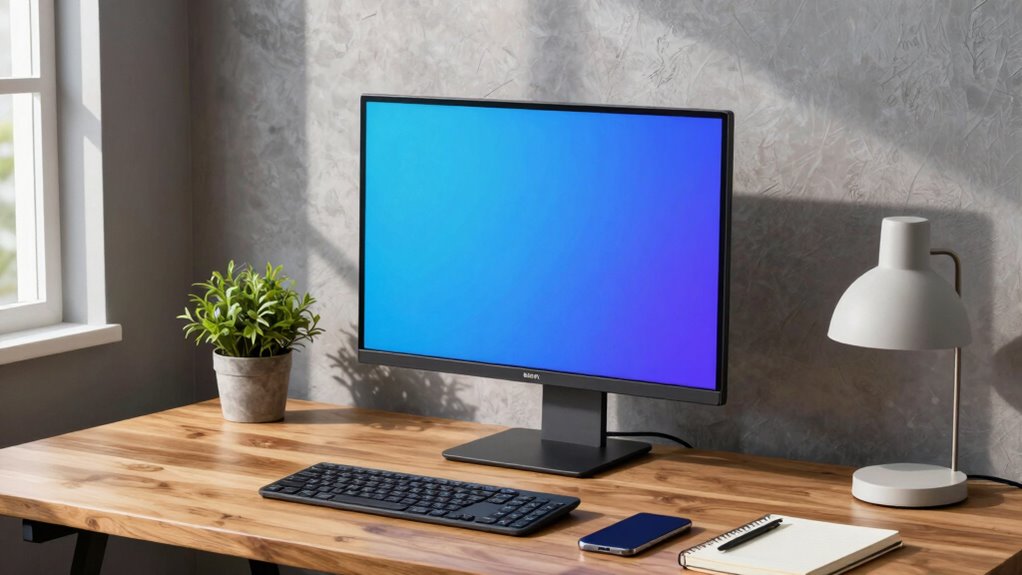
Are you looking to expand your screen space on the go? Choosing a portable monitor for your small apartment office can markedly boost productivity and make your workspace more versatile. To get started, think about setting up an ergonomic workspace that minimizes strain during long hours. Look for monitors with adjustable stands or flexible mounting options so you can position the screen at eye level. An ergonomic setup isn’t just about comfort; it prevents neck and eye strain, especially when working in a confined space. Pay attention to the size and weight of the monitor, opting for something lightweight and easy to carry, but not so small that it hampers your productivity. A 15- or 17-inch display often strikes a good balance between portability and usability.
Choose a lightweight, portable monitor around 15-17 inches for optimal productivity and comfort in small spaces.
Power consumption is another critical factor to weigh. Since your small apartment office might have limited outlets or power strips, selecting a monitor with low power consumption can help you avoid frequent recharging or power issues. Many portable monitors come with USB-C or HDMI power options, making them energy-efficient and compatible with your existing devices. Be sure to check the monitor’s energy specifications and see if it offers features like auto-sleep or power-saving modes, which extend battery life and reduce electricity use. This way, you can work comfortably without worrying about draining your power sources or constantly plugging and unplugging devices. Additionally, understanding the power efficiency of your monitor can help you make smarter energy choices over time. Incorporating energy-saving technologies can further enhance your device’s efficiency and reduce your overall energy footprint. Investing in a monitor with high energy efficiency ratings can also contribute to a more sustainable workspace.
Furthermore, considering how your monitor manages power management features can help optimize energy use during periods of inactivity, prolonging battery life and reducing energy costs.
15 inch portable monitor USB-C HDMI
As an affiliate, we earn on qualifying purchases.
As an affiliate, we earn on qualifying purchases.
Frequently Asked Questions
What Is the Best Screen Size for Small Apartment Offices?
For small apartment offices, a 15.6-inch screen strikes the perfect balance, offering ample workspace without overwhelming your area. You should prioritize color calibration and screen brightness to guarantee clear visuals and comfortable viewing during long work sessions. A monitor in this size is portable enough to move around easily, and with good color accuracy and brightness, it enhances productivity and reduces eye strain, making it ideal for compact spaces.
How Does Refresh Rate Affect Portable Monitor Performance?
A higher refresh rate improves display smoothness, making animations and fast-paced tasks feel more fluid on your portable monitor. It also impacts performance, especially if you’re gaming or working with video editing. However, higher refresh rates can consume more power, so consider power efficiency when selecting a monitor. Balancing refresh rate with battery life ensures your portable monitor performs well without draining quickly during your workday.
Are There Any Compatibility Issues With Different Devices?
Imagine connecting your portable monitor like a puzzle piece fitting seamlessly into your device. Compatibility issues can arise if your device’s ports don’t match the monitor’s, such as USB-C or HDMI. Check device compatibility and port compatibility before buying. If your laptop has an HDMI port, verify the monitor supports HDMI. Using the right cables and adapters guarantees smooth connectivity, so your work flows effortlessly across devices without hiccups.
What Are the Best Ergonomic Features for Portable Monitors?
You should prioritize ergonomic adjustability to enhance your comfort and productivity when choosing a portable monitor. Look for features like height, tilt, and swivel adjustments to customize your setup. Eye comfort features, such as flicker-free screens and blue light filters, reduce strain during long work sessions. These ergonomic features guarantee you maintain good posture and minimize eye fatigue, making your portable monitor a health-conscious addition to your small apartment office.
How Durable Are Portable Monitors for Daily Use?
Portable monitors are generally quite durable for daily use, thanks to rigorous durability testing and high material quality. Manufacturers often test for impacts, vibrations, and temperature fluctuations, ensuring they withstand everyday bumps or accidental drops. Look for monitors with sturdy materials like aluminum or reinforced plastics, which enhance longevity. With proper care, your portable monitor can serve you reliably over time, making it a smart investment for your small apartment office.
ergonomic portable monitor with adjustable stand
As an affiliate, we earn on qualifying purchases.
As an affiliate, we earn on qualifying purchases.
Conclusion
Think of your portable monitor as a trusty compass guiding you through your small apartment office’s maze. Just like a compass helps you find your way, the right monitor keeps your workspace clear and efficient. With the right choice, your tiny office transforms into a well-organized ship, sailing smoothly through your daily tasks. So, pick wisely, stay steady, and let your monitor be the steady hand that keeps your work on course.
energy-efficient portable monitor 17 inch
As an affiliate, we earn on qualifying purchases.
As an affiliate, we earn on qualifying purchases.
lightweight small office portable display
As an affiliate, we earn on qualifying purchases.
As an affiliate, we earn on qualifying purchases.