
If your Dyson V15 Detect™ Origin Cordless Vacuum is pulsing on and off during use, it can disrupt your cleaning routine and signal underlying issues. Understanding the causes and applying the right fixes can restore optimal performance and prolong your vacuum’s lifespan.
This guide walks you through practical, step-by-step troubleshooting methods to identify and resolve pulsing issues safely and effectively.
Key Takeaways
| Battery or power issues | Pulsing often indicates power supply problems or battery-related faults. |
| Clogged filters or airflow | Blocked filters or debris can cause inconsistent suction and pulsing. |
| Dirty or obstructed cleaner heads | Debris buildup in heads hampers airflow, leading to pulsing. |
| Electronics or sensor problems | Malfunctioning sensors or circuit issues can cause irregular power cycling. |

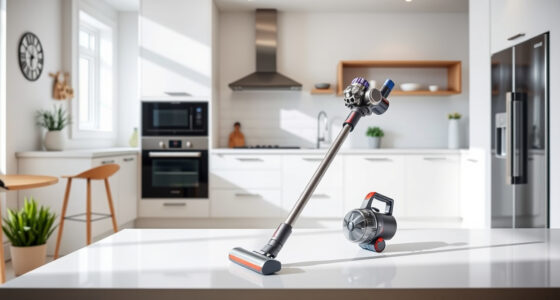
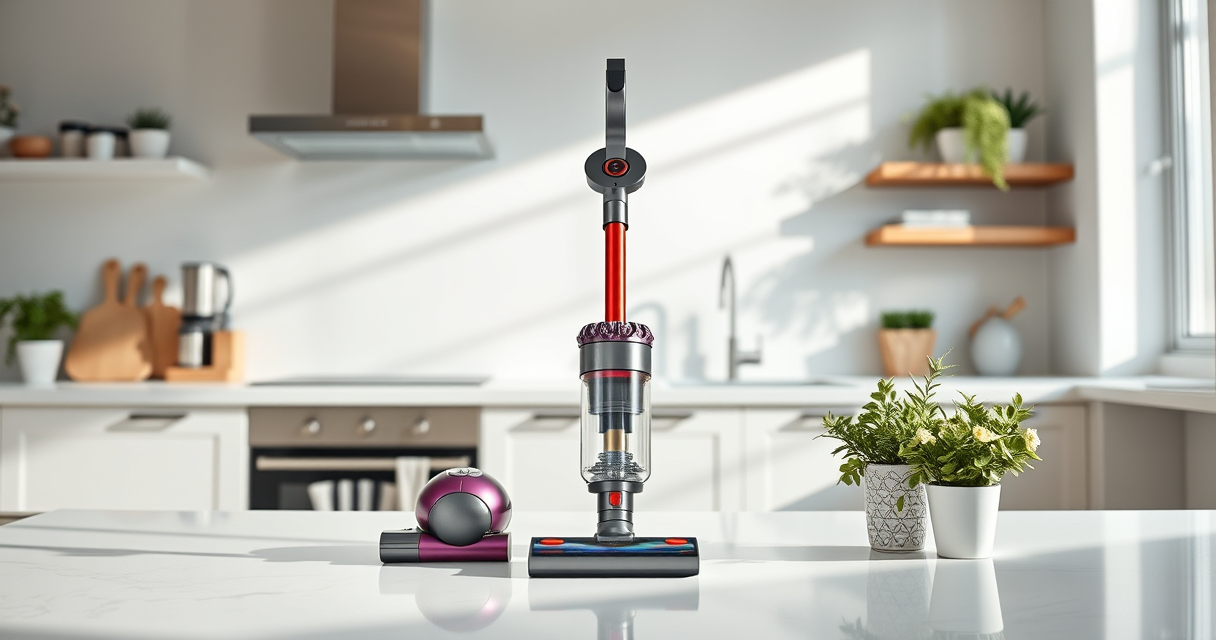
Dyson V15 Detect™ Origin Cordless Vacuum
- Deep cleaning with intelligent detection: Reveals invisible dust for thorough cleaning
- Enhanced power and runtime: 100% more power, 60-minute battery life
- Energy-efficient power trigger: Uses power only when needed
As an affiliate, we earn on qualifying purchases.
Check and Clean the Filters
- Remove the pre-filters and main filters from your Dyson V15 Detect. Refer to the user manual for precise removal steps.
- Rinse the filters thoroughly under cold water. Do not use detergents or brushes.
- Allow the filters to air dry completely, typically 24 hours, before reinstalling.
- Reassemble and test the vacuum. Clean filters ensure proper airflow and reduce pulsing.

LANMU Crevice Tool Vacuum Attachments Compatible with Dyson V15 V12 V11 V10 V9 V8 V7 Gen5 Outsize Vacuum Cleaner, Narrow Nozzel Replacement Parts for Hard-to-Reach Space
- Wide Compatibility: Compatible with various Dyson models
- Slim and Flexible Design: Narrow nozzle for tight spaces
- Versatile Applications: Ideal for home and car cleaning
As an affiliate, we earn on qualifying purchases.
Inspect and Clear Blockages
- Check the cleaner head, wand, and hose for obstructions or debris buildup.
- Remove and clear any blockages manually or with a flexible brush.
- Ensure all connections are secure and airflow pathways are clear.
- Test the vacuum to see if pulsing persists after clearing obstructions.
Examine the Battery and Power Settings
Ensure the battery is fully charged. A low or faulty battery may cause power fluctuations.
Turn off the vacuum, then turn it back on, and select the appropriate power mode. Switch between modes to observe any changes.
If pulsing continues, consider replacing the battery or consulting Dyson support for diagnostics.
Reset and Update the Vacuum
- Turn off the vacuum and remove the battery if removable. Wait for 30 seconds, then reinsert and power on.
- Ensure firmware is up to date via Dyson’s app or support tools.
- Perform a soft reset by holding the power button for 10 seconds.
- Test the vacuum to verify if pulsing stops.
When to Contact Support
If you’ve tried all steps and the pulsing persists, the issue may be internal or electronic. Contact Dyson customer support or schedule a professional repair for further diagnosis.
The Products in This Guide

Dyson V15 Detect™ Origin Cordless Vacuum
- ✔ Warranty: 2 years
- ✔ Filter Type: HEPA-compatible
- ✔ Weight: 6.8 lbs

LANMU Crevice Tool Vacuum Attachments Compatible
- ✔ Material: Plastic
- ✔ Color: Black
- ✔ Length: 15 inches
Dyson V15 Detect™ Origin Cordless Vacuum
<p>The Dyson V15 Detect™ Origin Cordless Vacuum is a powerful, smart cleaning tool that adapts to debris and floor types. Its pulsing issue can often be resolved through filter cleaning, blockage removal, or reset procedures.</p>
Pros:
- Powerful suction
- Intelligent debris detection
- Long battery life
- Versatile cleaning modes
Cons:
- Requires regular filter maintenance
- Can be sensitive to airflow blockages
- Battery replacement may be needed over time
Best for: Whole-home deep cleaning, pet hair removal, hard floors
Not ideal for: Heavy-duty commercial cleaning, continuous use without maintenance
Bottom line: Regular maintenance and proper troubleshooting can resolve pulsing issues and keep your Dyson V15 performing at its best.
LANMU Crevice Tool Vacuum Attachments Compatible
<p>The LANMU Crevice Tool Vacuum Attachments are compatible with multiple Dyson models and help reach narrow, hard-to-clean areas that often get overlooked, reducing the risk of airflow blockages that cause pulsing.</p>
Pros:
- Narrow, flexible nozzle
- Compatible with many Dyson models
- Helps prevent blockages
- Easy to attach and use
Cons:
- May not fit older or non-compatible models
- Requires manual cleaning of the tool tip
Best for: Cleaning corners, gaps, and tight spaces
Not ideal for: Large debris removal or heavy-duty cleaning
Bottom line: A versatile attachment that helps maintain optimal airflow and prevents pulsing caused by blockages.
Frequently Asked Questions
Why does my Dyson vacuum pulse on and off during use?
This usually indicates airflow issues, such as clogged filters, blockages, or electronic sensor problems. Proper cleaning and maintenance often resolve the issue.
How often should I clean the filters?
It’s recommended to rinse the filters every 1-3 months, depending on usage, and let them dry completely before reinstalling for optimal performance.
Can I reset the vacuum to fix pulsing?
Yes, turning off and unplugging the vacuum, removing the battery (if removable), waiting 30 seconds, then restarting can reset the electronics and help resolve pulsing.
When should I contact Dyson support?
If cleaning and resetting do not fix the pulsing, or if you suspect a hardware fault, contacting Dyson support is advisable for professional diagnosis and repair.
Keep Your Dyson Running Smoothly
Regular maintenance, including filter cleaning and clearing blockages, is key to preventing pulsing issues. If problems persist, professional support ensures your vacuum continues to deliver excellent cleaning performance.
Affiliate disclosure: As an Amazon Associate we earn from qualifying purchases. Prices and availability are accurate as of the time of publishing.